
Pełny widok
Podobne przedmioty
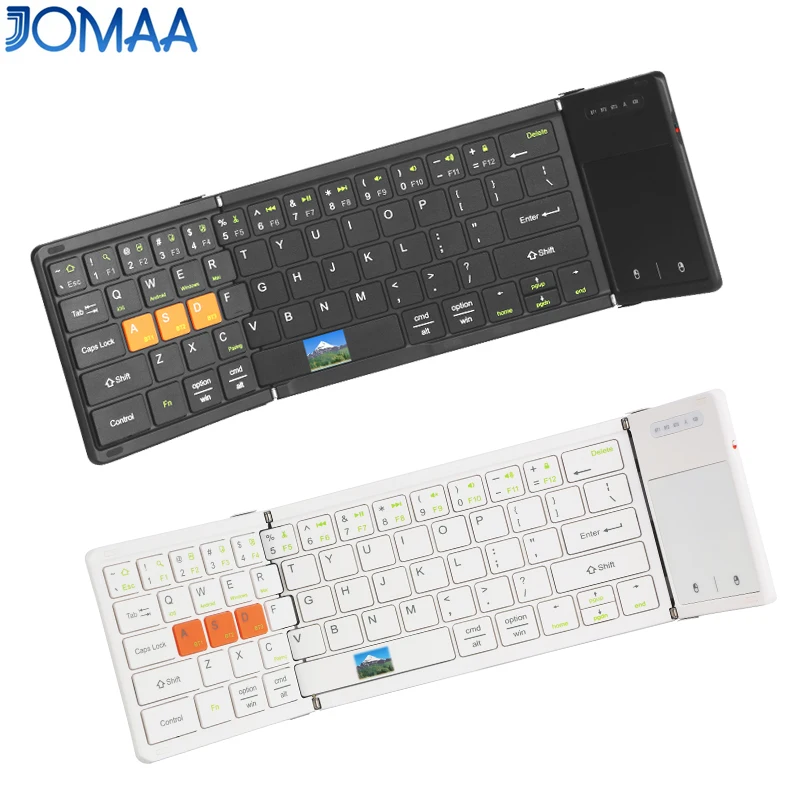
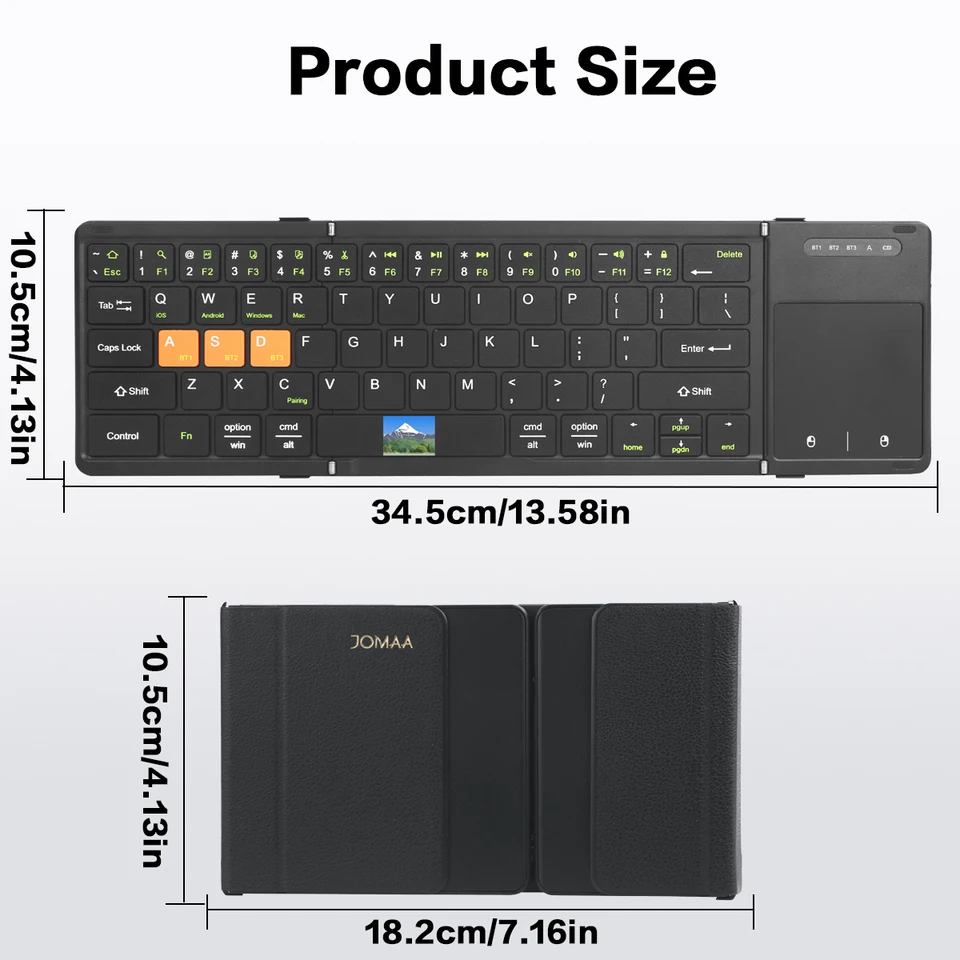
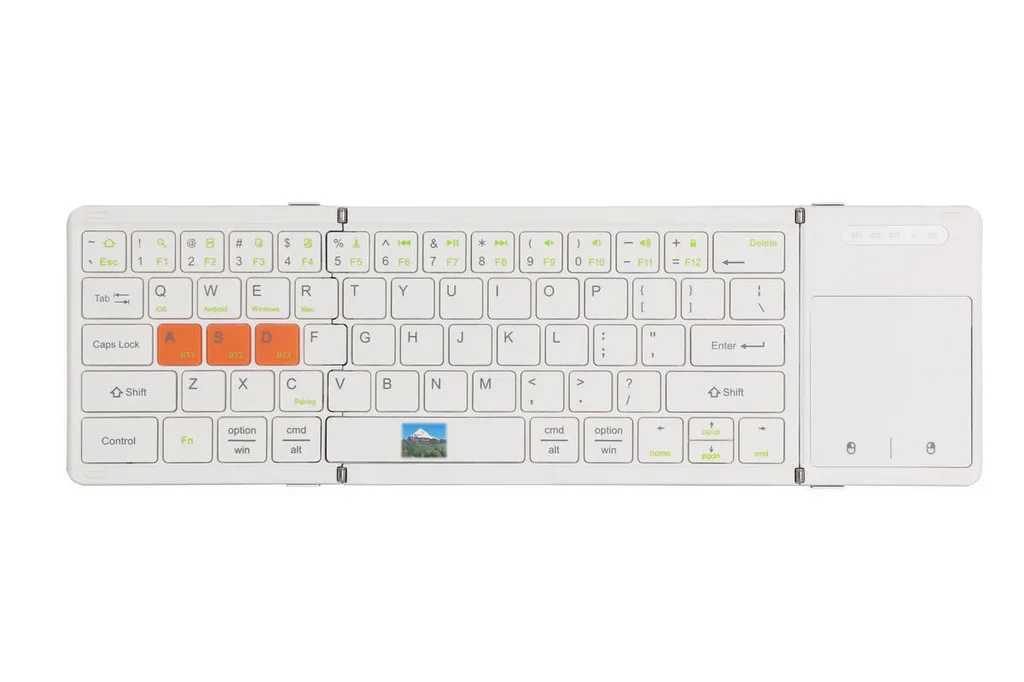
Składany telefon komórkowy Jomaa z Bluetooth i touchpadem, ładowalną klawiaturą do smartfona
243,78zł310,26zł
Kolor : Biały
Ilość :

Raport
Uwzględnij naruszenie praw autorskichDarmowa standardowa wysyłka. Patrz szczegóły
Szacunkowo między Mon, Jul 13 a Thu, Jul 16
Możesz zwrócić produkt w ciągu 30 dni od daty otrzymania. Patrz szczegóły
Kupuj z ufnością

Gwarancja zwrotu pieniędzy
Odbierz zamówiony przedmiot albo zwróć pieniądze. Dowiedz się więcej
O tym przedmiocie
Źródło: TechNex
Sprzedawca bierze na siebie wszelką odpowiedzialność za tę ofertę.Numer przedmiotu: 39287758
Szczegóły pozycji
Rozmiar
Pełnowymiarowy
Typ klucza
Przełączniki mechaniczne
Typ przełącznika
Liniowy, dotykowy, klikalny
Zgodność
Windows, macOS, Linux
Podłączone urządzenia
1
Podświetlane klawisze
TAK
Łączność
Bluetooth, Logi Bolt USB
Typ USB
USB A
Opcje logowania
Tak
Opis przedmiotu od sprzedawcy
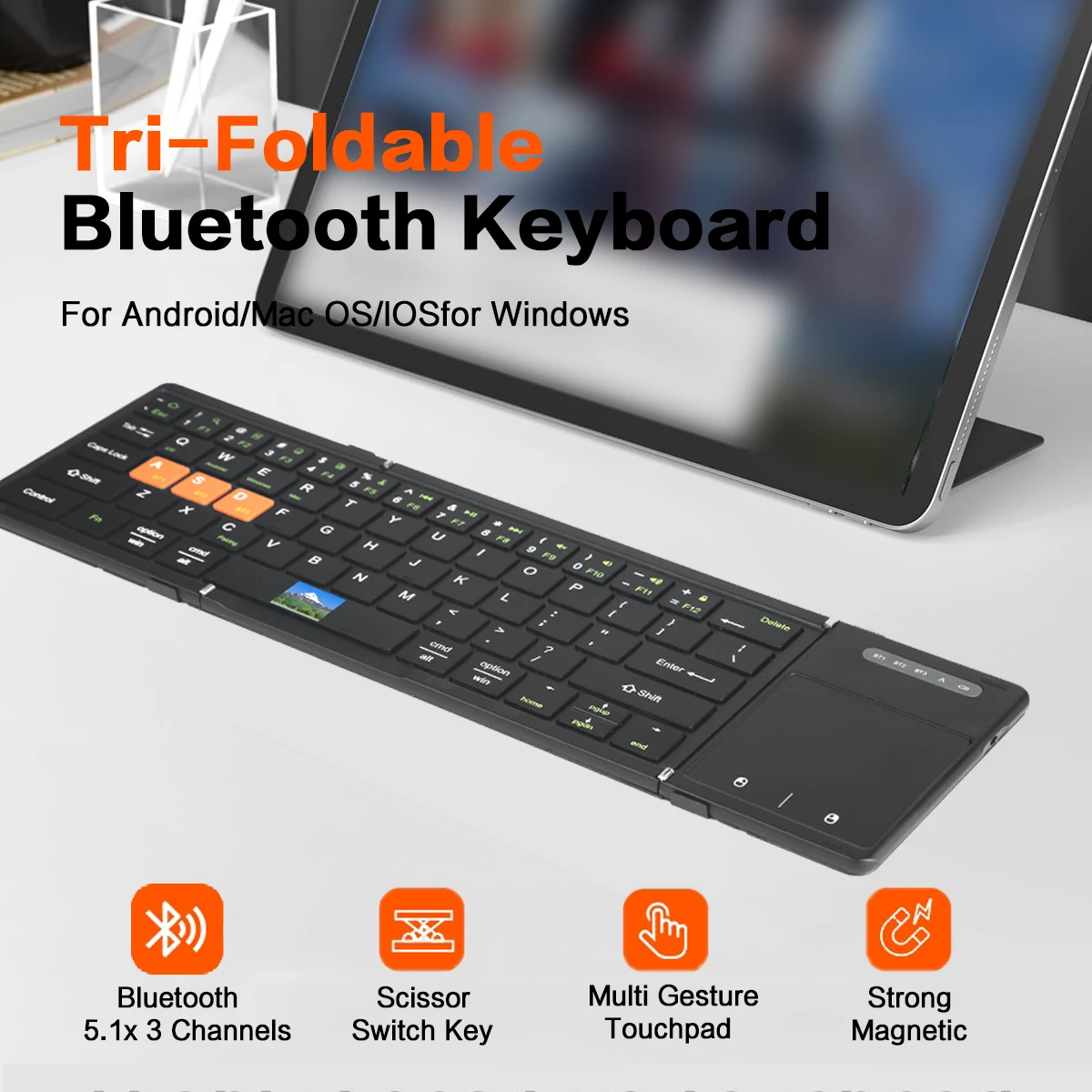
[ Boardcom US Bluetooth 5.1 Chipset ]-Low latency and stable performance,an assurance for high quality keyboard.
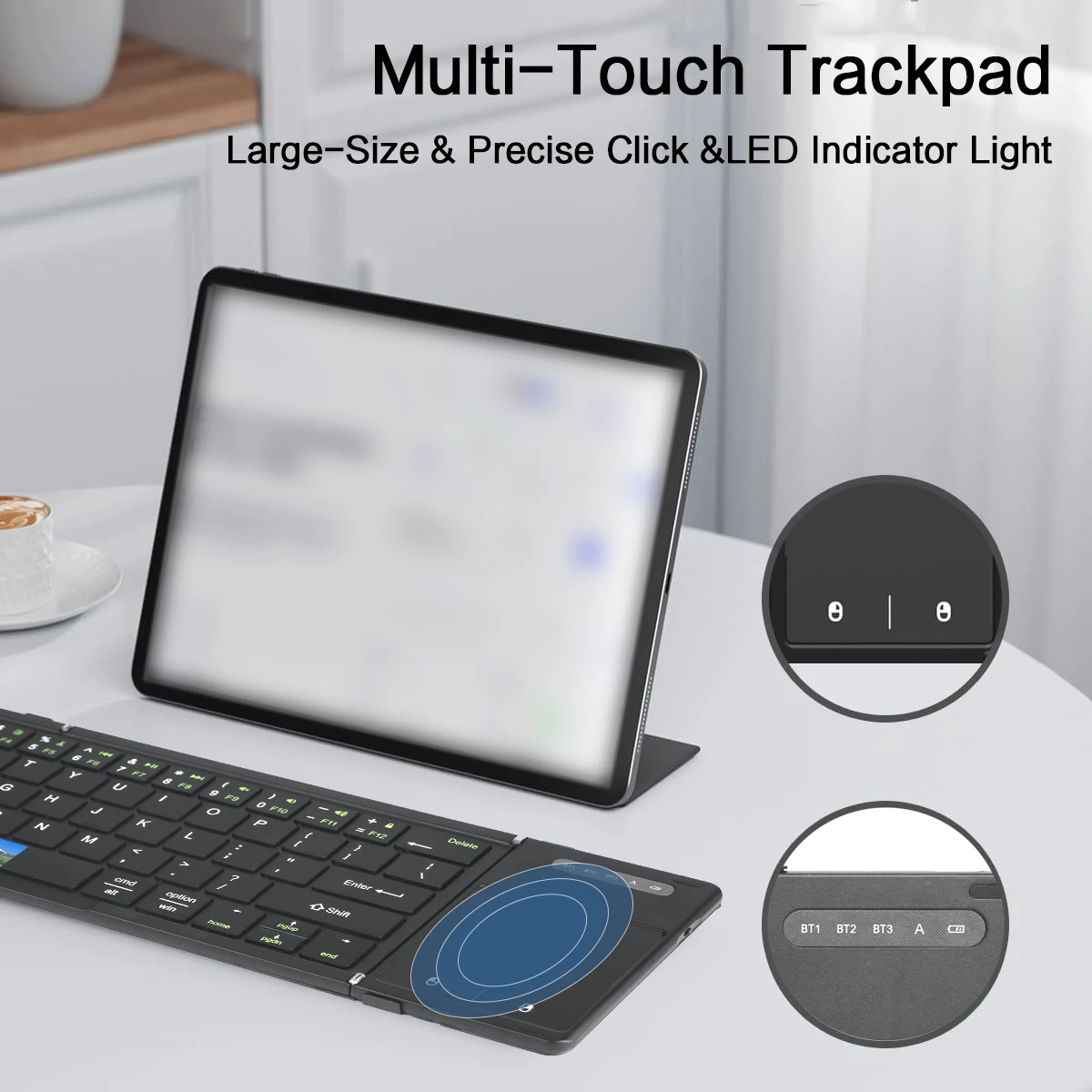
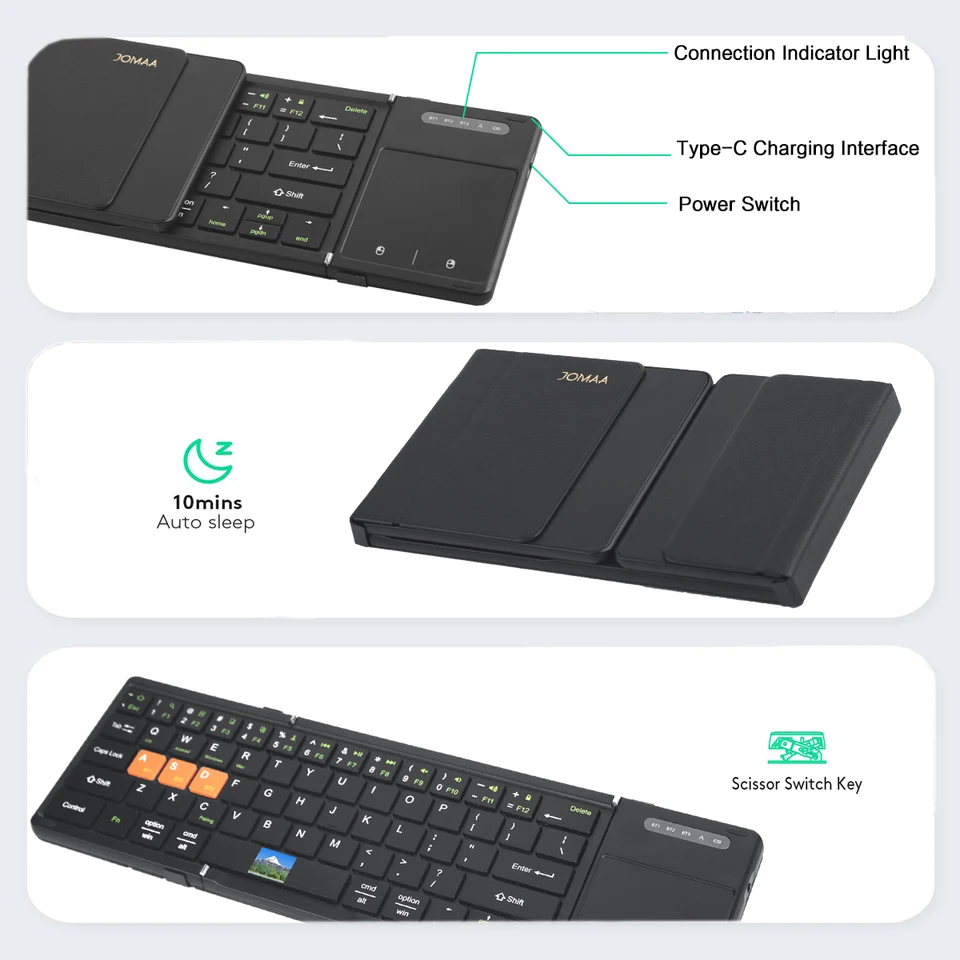
[ Ultra Big Touchpad with Left&Right Click ]-Maximumly approach the user experience of laptop touchpad.
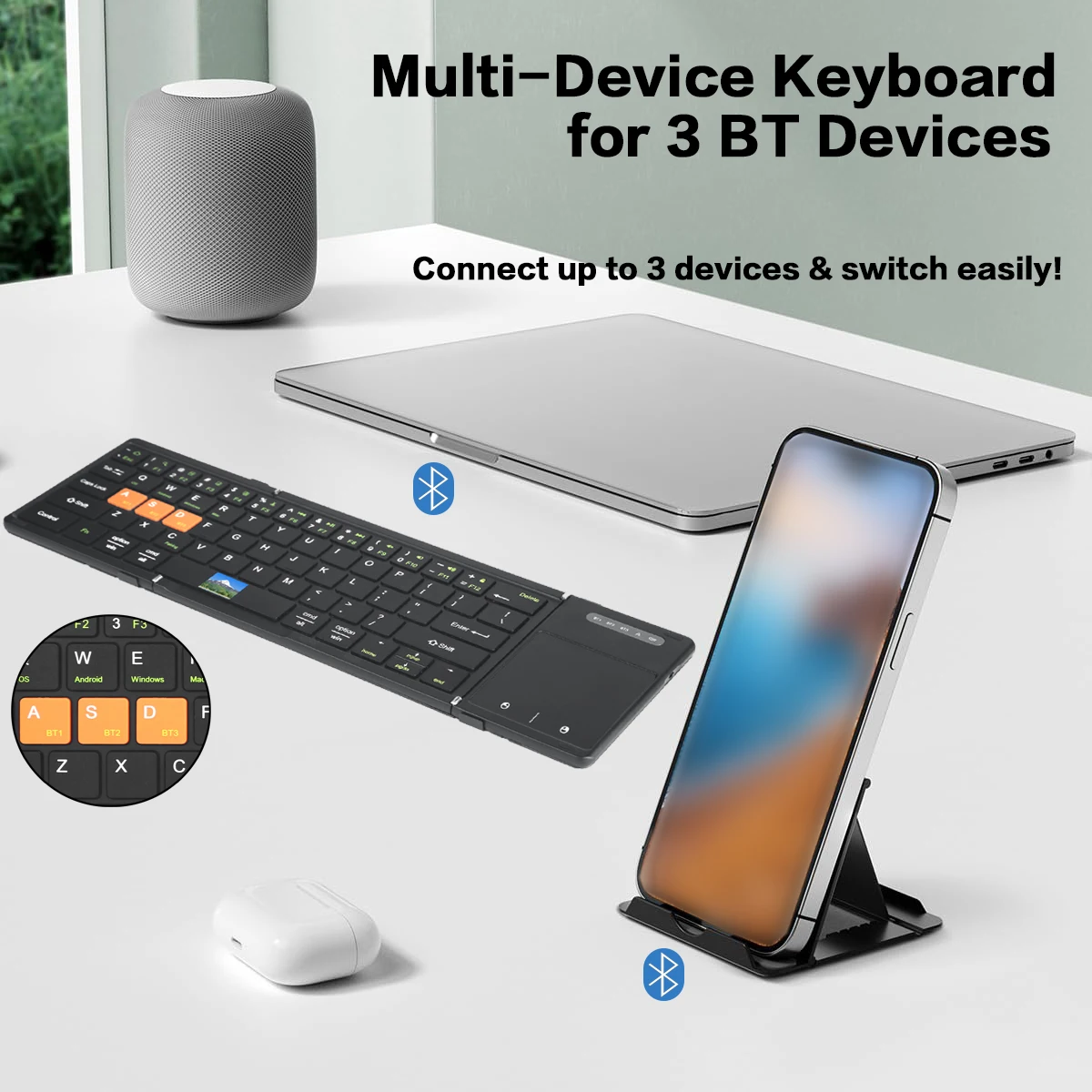
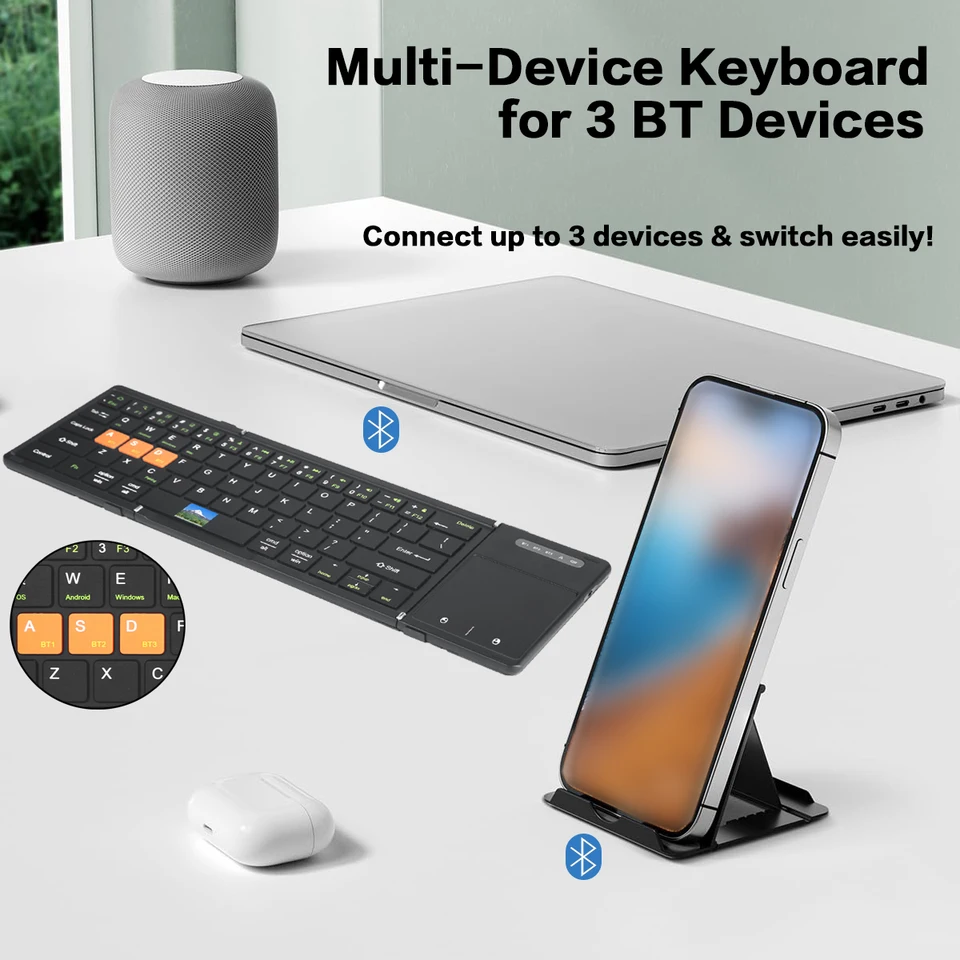
[ 3 Channels Bluetooth Connection ] -3 bluetooth device can connect with the folding keyboard and switch between each other randomly.
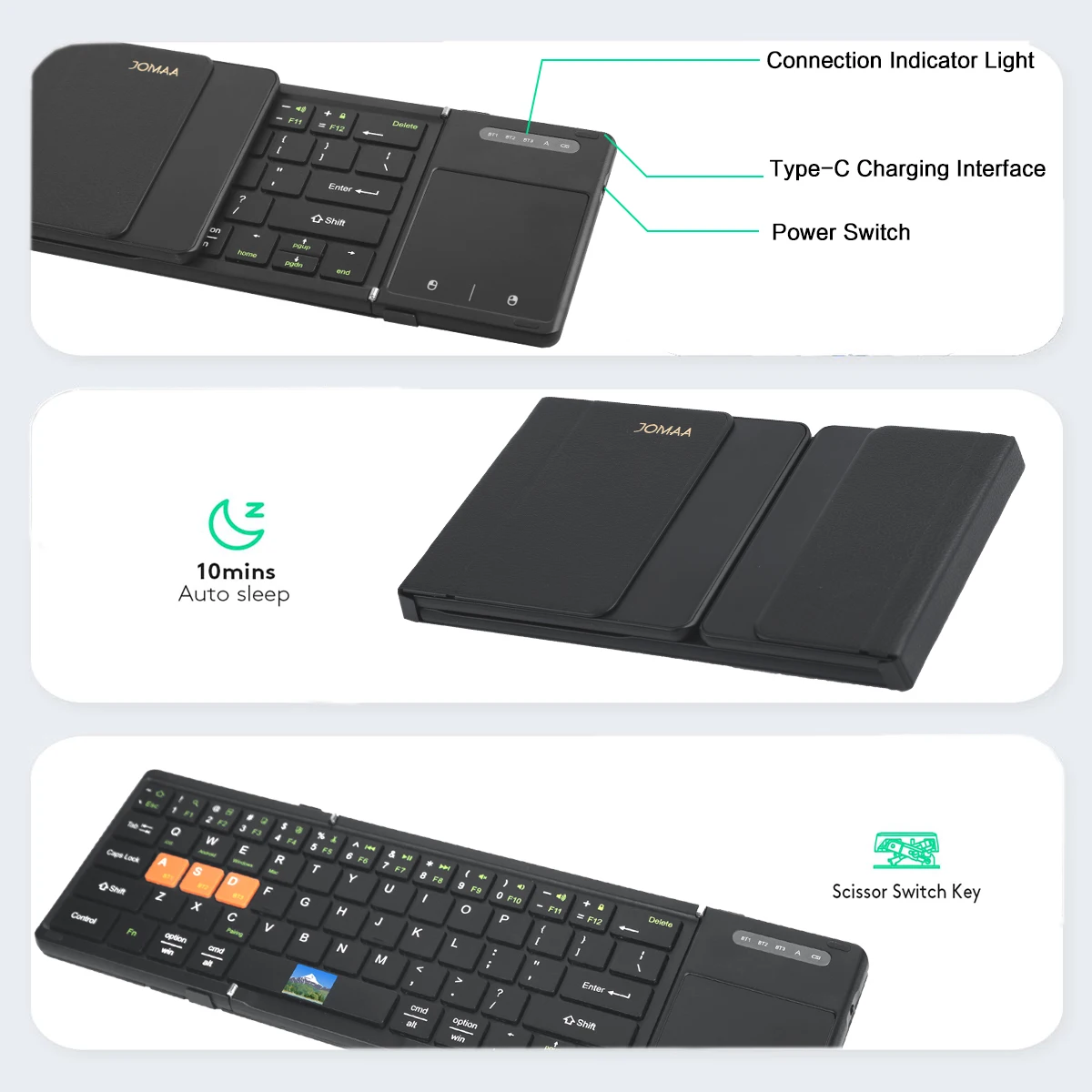
[ Big Size Keycap&Scissors Switch ] -1:1keycap size &layout as laptop and comfortable scissors switch.
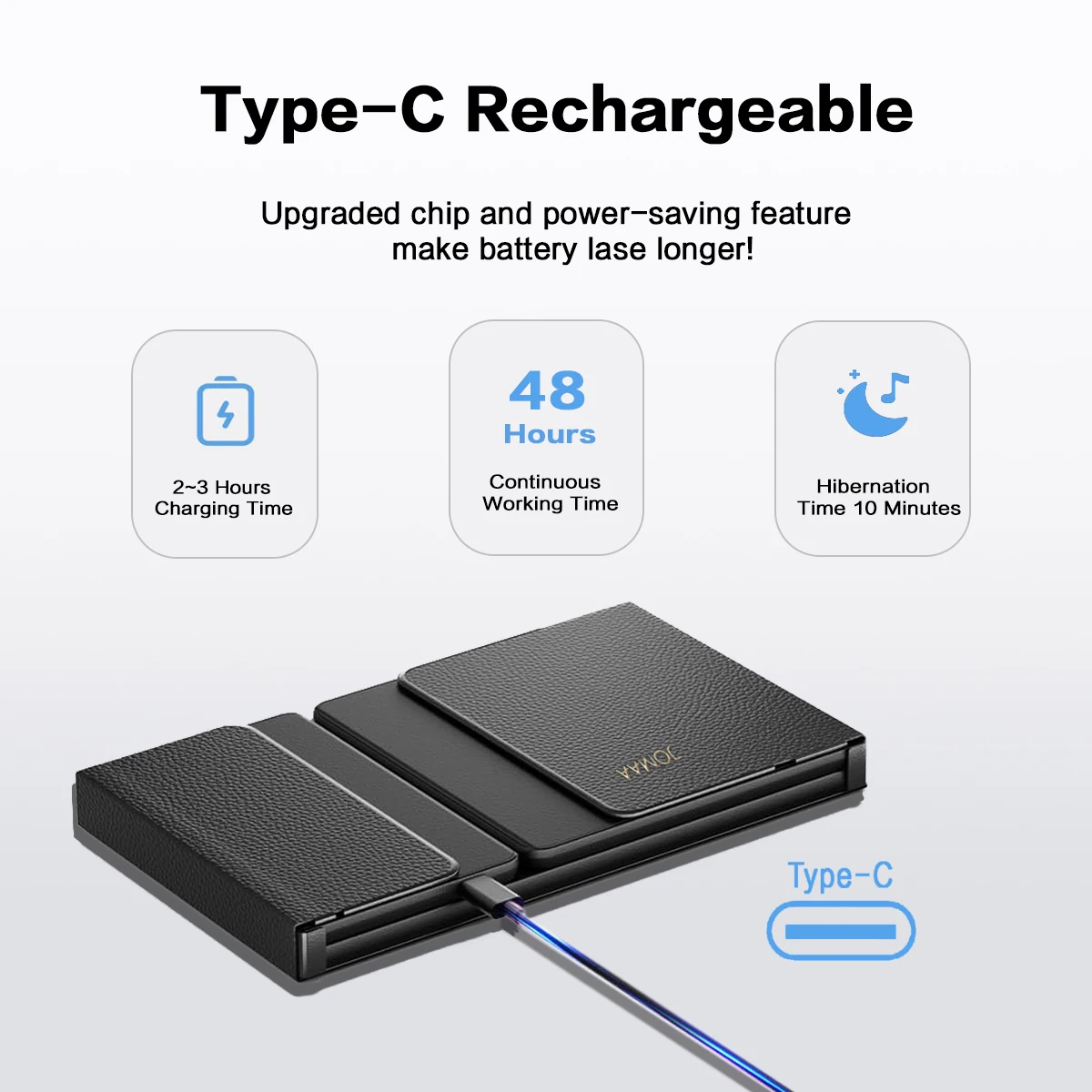
[ Rechargeable Lithium Battery ] -Build in 210mAh big capacity rechargeable lithium battery,long standby time and environment friendly.
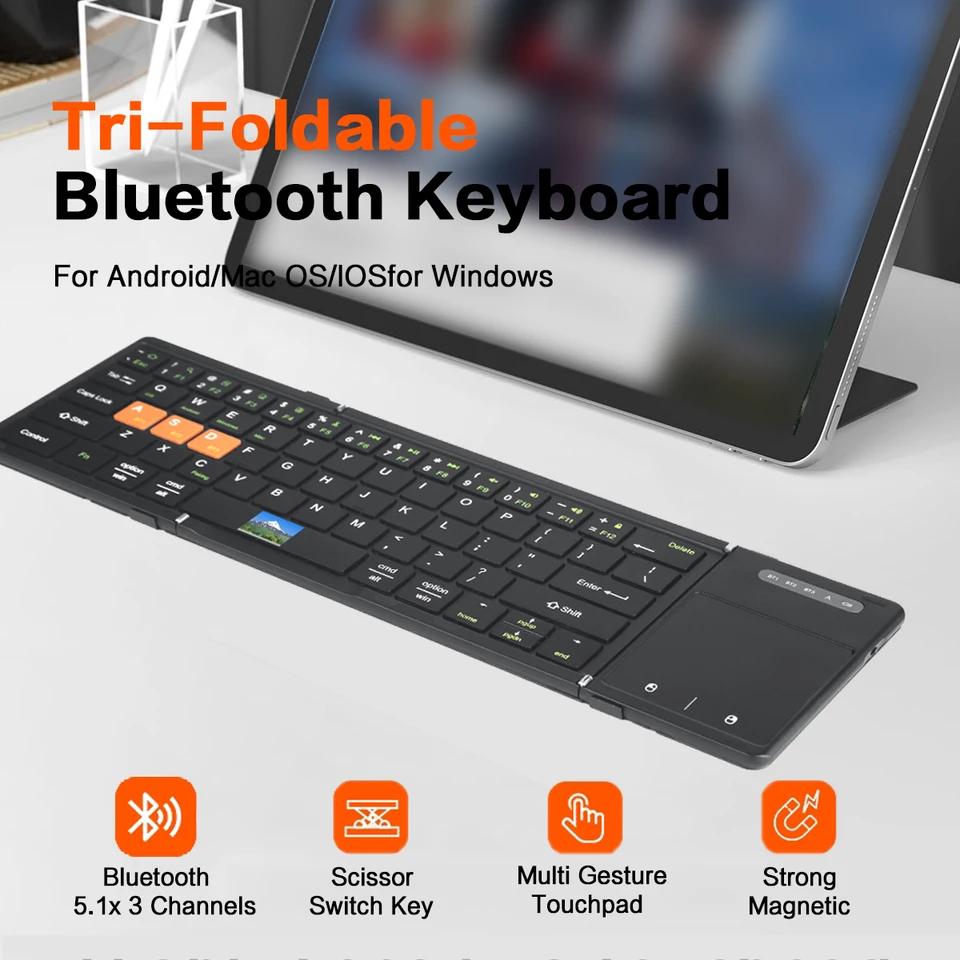
[ Multi System Compatible ] -Compatible with Windows,Android,IOS and Mac(Desk,lock key can not use),fully satisfy your of input requirement.
[ Textured PU Leather Back Cover ] -Nice hand feeling and business style.
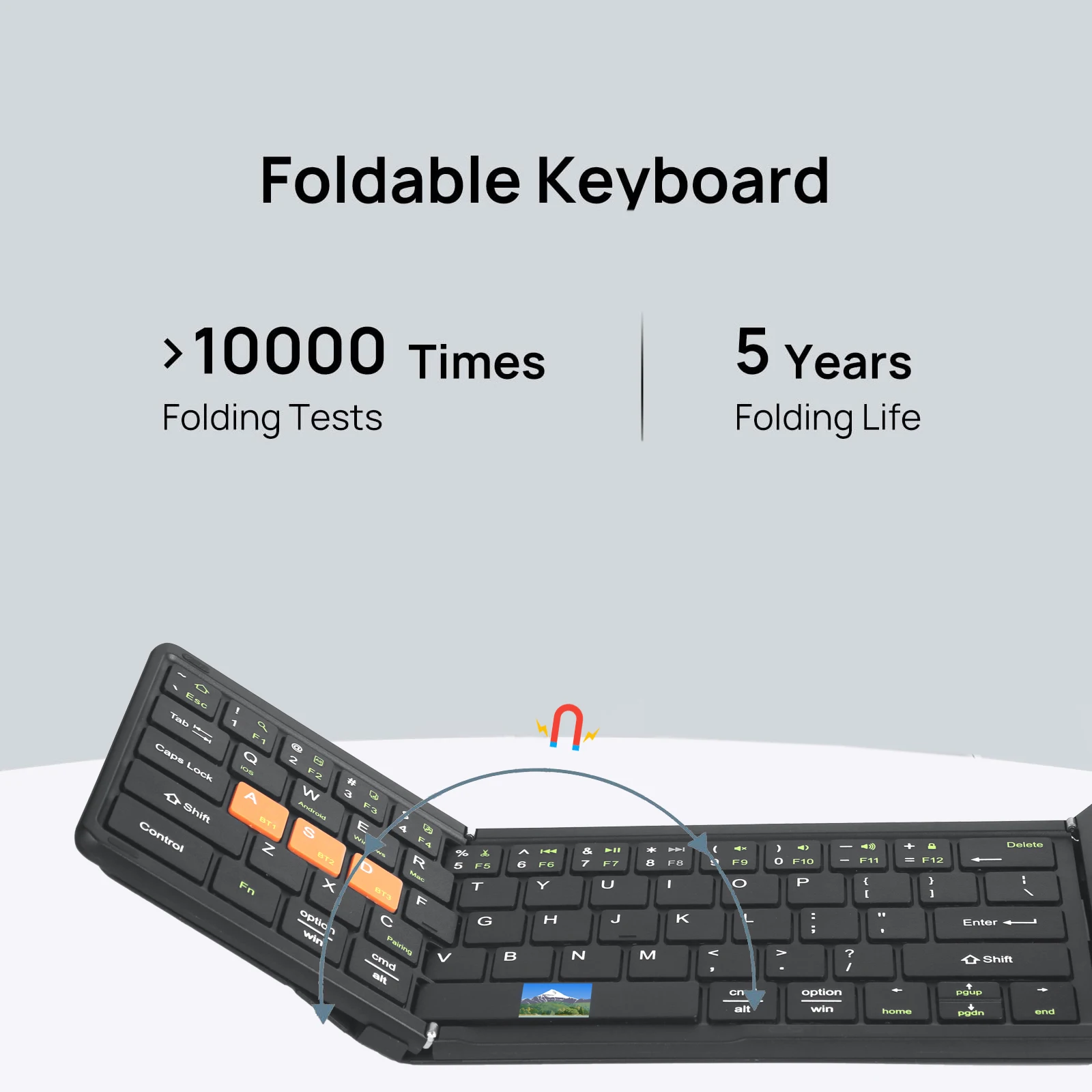
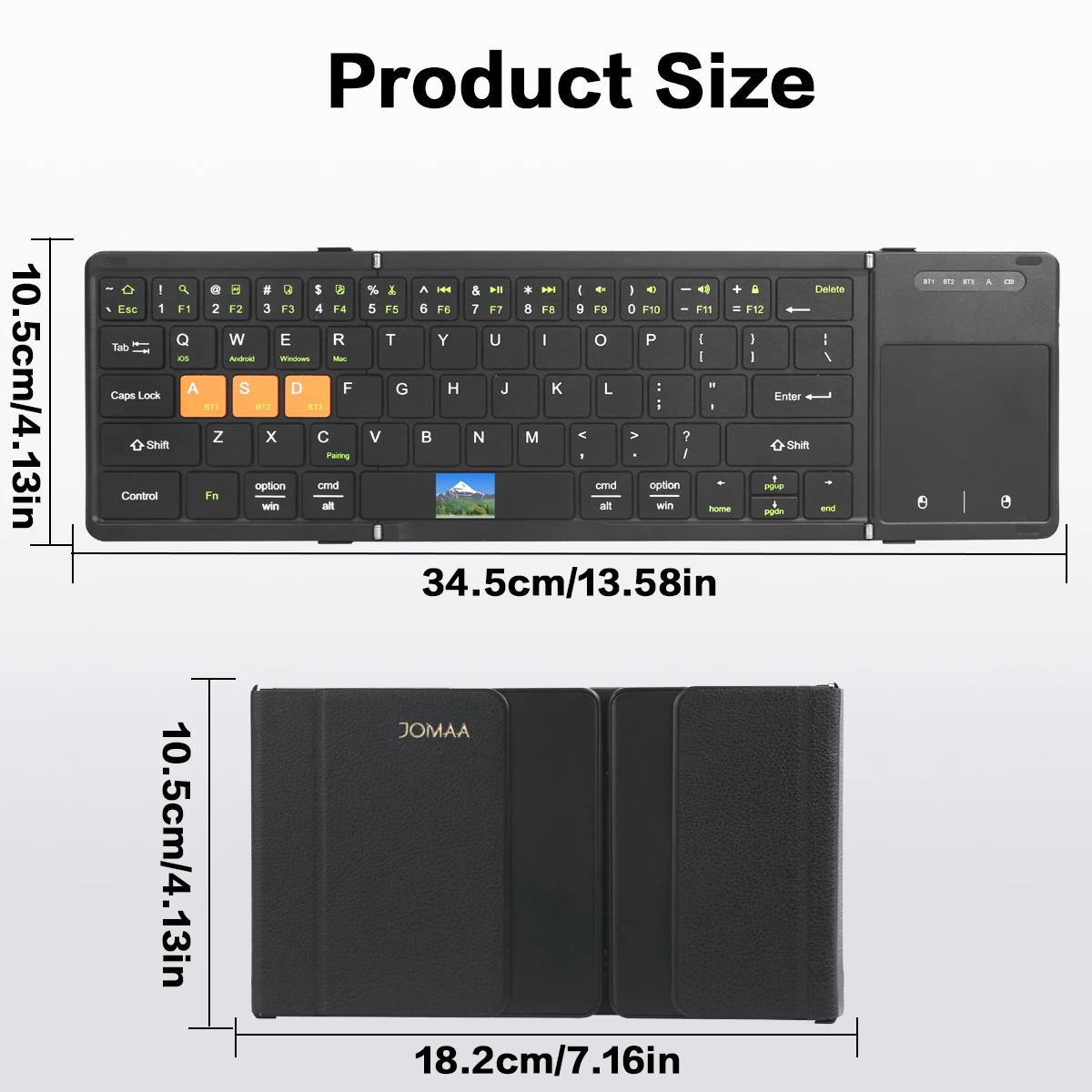
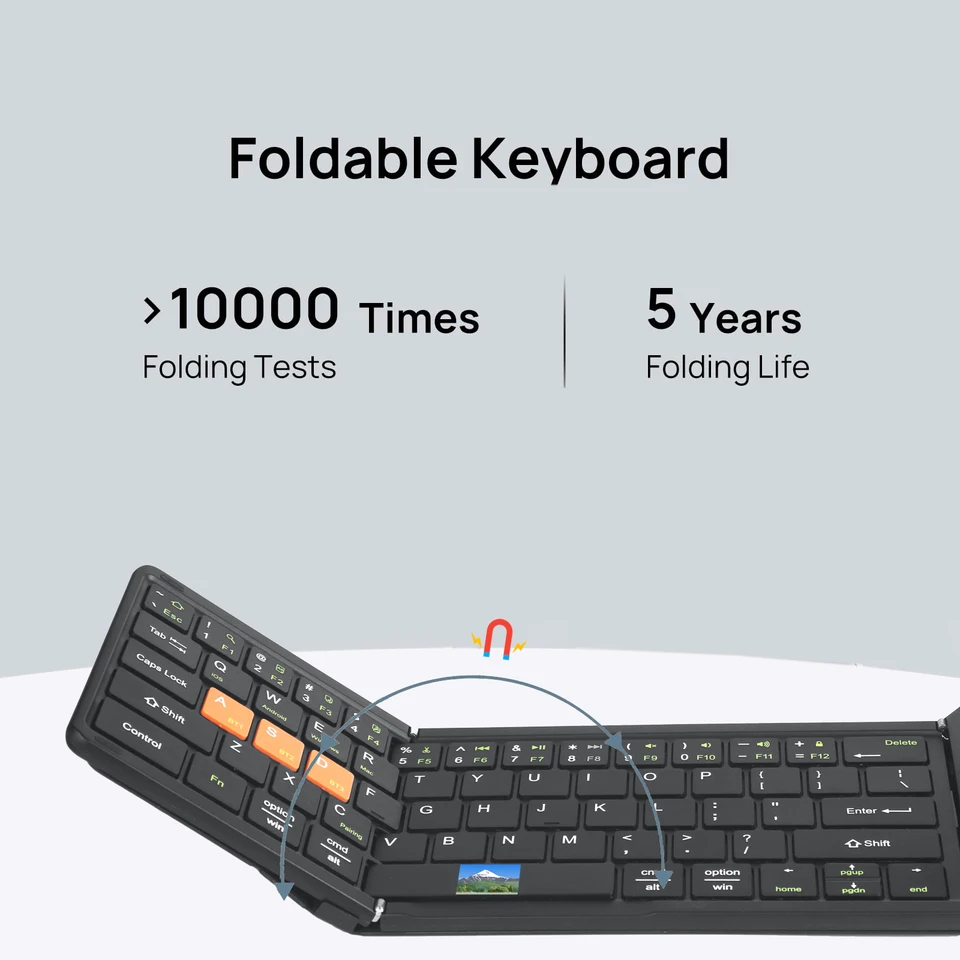
[ Tri Folding Keyboard ] -Combine the nice input user experience of standard size keyboard and portable mini size advantage into one keyboard.
Multi-channel connection Munual
first device, first press "Fn+ BTi" and then press"Fn+C "to start the connection.
*Before connecling the second device, press "Fn+ BT2 "once, thenpress" Fn+C "to start the connection.
.Before connecting the third device, press "Fn+ BT3" once, then press"Fn+C" lo slart the conneclion.
*Td use multiple devices at the same time, press Fn + BT1 / BT2 BT3 to switch to the connected devices freely