
Sieci i networking


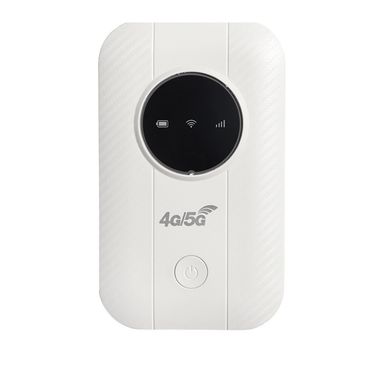
Router bezprzewodowy 4G, przenośne urządzenie Wi-Fi do współdzielenia samochodu, gniazdo karty SIM, modem LTE MIFI

Router 5G CPE WIFI6, 4 porty LAN i 1 WAN, WIFI z kartą SIM, dwuzakresowy, 24G58G, bezprzewodowa antena o wysokim zysku 5 dBi, 250213
![[3918 Kolekcja Ludowa] Ruiyin 2100M Gigabit WiFi Wzmacniacz sygnału routera 5G Repeater Rozszerzenie ścienne_voghion.com](https://g-images-process.voghion.com/?bucket=voghion&resize=%7B%22width%22%3A375%7D&image=productImages%2F8c85ab04f5894b611e655a05b97b51e2_voghion800x800.jpg&fe=20250304)
[3918 Kolekcja Ludowa] Ruiyin 2100M Gigabit WiFi Wzmacniacz sygnału routera 5G Repeater Rozszerzenie ścienne
Router bezprzewodowy 4G, przenośne urządzenie Wi-Fi do współdzielenia samochodu, gniazdo karty SIM, modem LTE MIFI

【1599 Kolekcja Ludowa】 Wzmacniacz sygnału E1 Dual Band 5g1200M, bezprzewodowy wzmacniacz sygnału, domowy router rozszerzeń,

Routery 5Ghz Bezprzewodowy wzmacniacz sygnału WiFi 1200 Mb/s Router Wzmacniacz sygnału WiFi 2.4G Wzmacniacz sygnału dalekiego zasięgu Wi-Fi 5G

4G Wifi Przenośny WIFI, 5G Bezprzewodowy MIFI, Router LTE, Włożona Karta SIM

Kieszonkowy router 4G LTE Wzmacniacz sygnału WiFi Ekspander sieciowy Mobilny punkt dostępu Bezprzewodowy modem MiFi Router Gniazdo karty SIM

Wzmacniacz WiFi Tengda 1500M, dwupasmowy wzmacniacz sygnału, wzmacniacz sygnału przez ścianę

Karta sieciowa USB Combo WiFi 6 i Bluetooth 5.4 – dwuzakresowa karta sieciowa bezprzewodowa o prędkości 1200 Mb/s, bez potrzeby instalowania sterowników dla systemów Windows/Mac/Linux

Dwuzakresowy adapter WiFi USB 1300 Mb/s – karta sieciowa bezprzewodowa 2,4 GHz i 5,8 GHz bez potrzeby instalowania sterowników dla systemów Windows/Mac/Linux

Dwuzakresowy adapter Bluetooth WiFi 600 Mb/s – bezprzewodowa karta sieciowa USB typu plug & play z układem RTL8821CU, nie wymaga sterowników dla systemów Windows/Mac
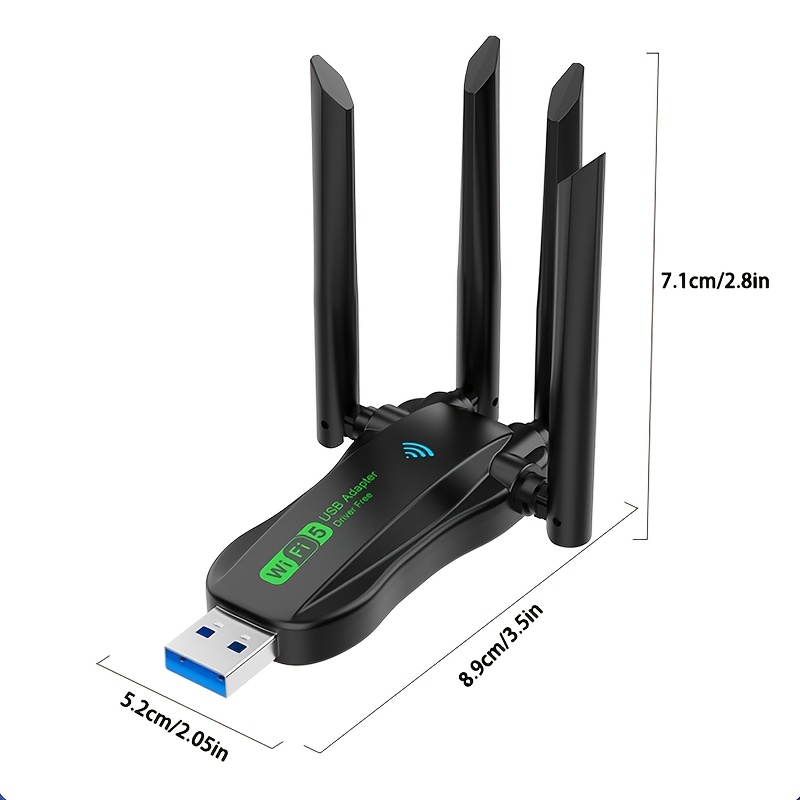
Karta sieciowa bezprzewodowa, 1300M, dwuzakresowa, jednoczesna łączność 5,8G/2,4G, szybki internet, stabilne połączenie, nie wymaga sterowników,

【Skumulowana sprzedaż na poziomie 16,8135 mln+ juanów】 Ruijie Little Rabbit Signal Amplification Enhancement WiFi Dual Band
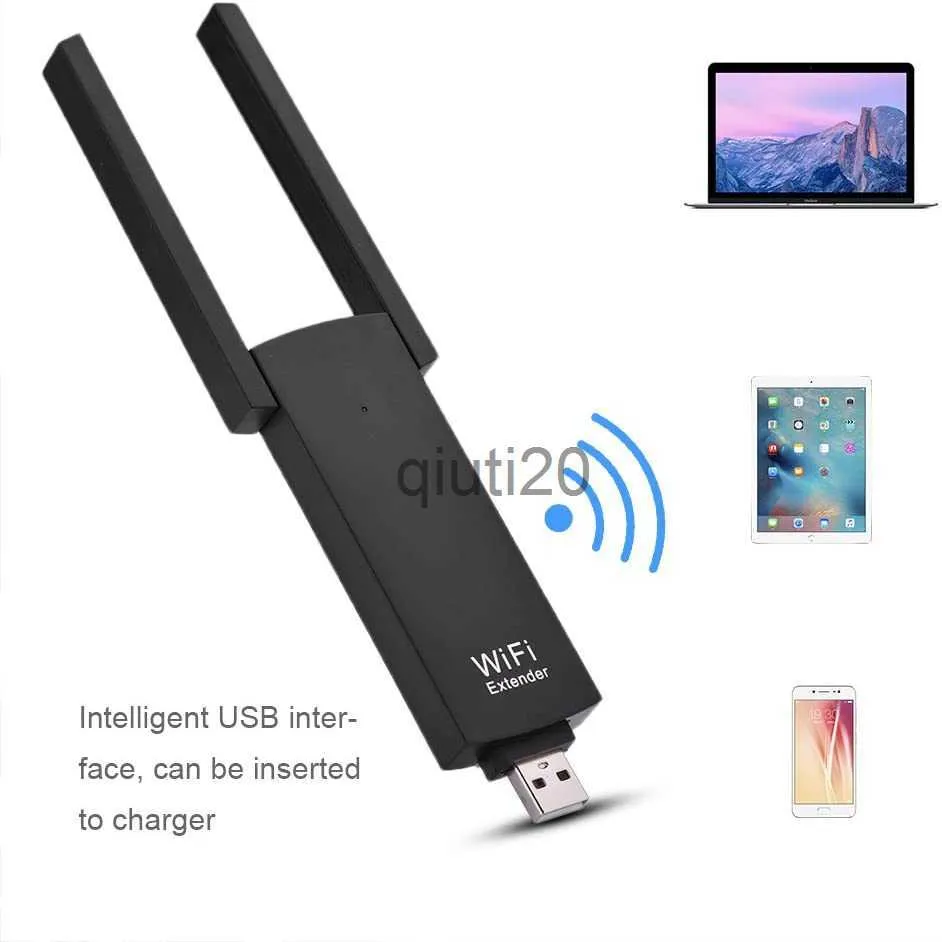
Routery PIXLINK Wifi 300 mbps USB Wzmacniacz sygnału Routera bezprzewodowego Podwójne anteny UE02 Wzmacniacz zasięgu Wi-Fi X0725

【Wysoka prędkość】 Wall Penetrating King 6 Nowy wzmacniacz sygnału WiFi 5G Gigabit Dual Band Home Wireless Network

Karta WiFi USB 600 Mbps Antena WiFi 2,4 GHz 5 GHz Mini komputer Bezprzewodowa karta sieciowa Odbiornik Dwuzakresowy 802.11b/n/g/ac
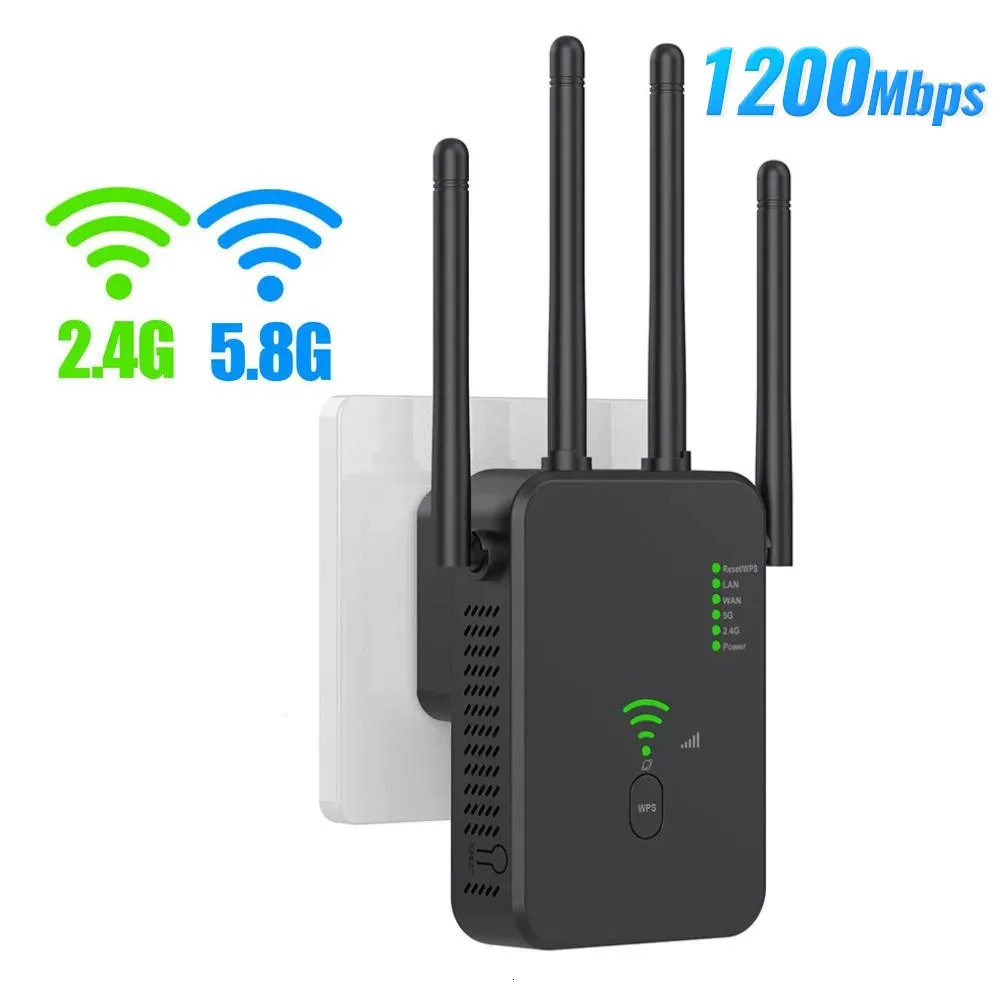
Bezprzewodowy wzmacniacz sygnału Wi-Fi 5G 1200 ms, router, wzmacniacz Wi-Fi, dwupasmowy wzmacniacz dalekiego zasięgu, wzmacniacz sygnału 5 GHz 240424

Wzmacniacz USB, wzmacniacz sygnału WiFi, rozszerzenie domowej sieci bezprzewodowej, dwupasmowy router przenośny przez ścianę

【Pochwały 10000 osób】 Uniwersalny wzmacniacz domowy TP-LINK WiFi Bezprzewodowy przekaźnik sieciowy przez ścianę Wzmacniacz sygnału
Discover the Best Router and Networking Tools for Next-Level Speed
No one enjoys slow connections. A small lag can interrupt your meeting. A delay while streaming breaks the mood. That is why having the best router matters—it brings stability, speed, and comfort to your everyday online life. At Voghion, you will find networking equipment what are working with you. Faster response. Stronger signal. Less frustration.
Go Beyond Basics: High-Performance Gaming Routers That Keep Up
For online games, milliseconds matter. A gaming router makes sure your system stays sharp. It helps keep latency low, even when multiple devices are active in the background. You can also buy gaming keyboard and mouse at Voghion to level up your gaming experience.
These routers often come with smart controls. You can prioritize game traffic, adjust settings, or divide bands. The results speak for themselves—cleaner matches, fewer drops, smoother teamwork. Sometimes the sound matters a lot. You can buy sound card for pc to hear the footsteps of enemies in the game.
Portable, Powerful, Practical — The Rise of the Travel Router
Staying online while moving between places can be tricky. Hotel Wi-Fi often feels crowded or unstable. A travel router brings a better option. With one small device, you create a private, secure signal for your phone, laptop, or tablet. At this time, a tablet stand will protect your neck health.
Some prefer a portable router for working in cafés, co-working spaces, or even the car. These routers stay light and easy to pack. Most models support USB and Ethernet, so you can stay flexible wherever you are. Remember to carry a keyboard cover to prevent coffee spills from getting your keyboard wet.
Make Setup Easier with the Right USB Wifi Adapter
Older computers don’t always connect well to wireless signals. That does not mean they need to be replaced. A USB wifi adapter gives them a fresh start. Plug it in, and you are ready to go with stronger and more stable access.
Some homes have thick walls or long hallways. In those cases, a USB network adapter with dual antennas offers a simple fix. Speed increases. Dropouts disappear. Files download faster, and calls stay clear. You can work while your children play video games for kids, and neither of you will notice the slow Internet speed.
Which Networking Equipment Helps You Stay Stable and Fast?
A strong router makes a difference, but extra tools keep the system consistent. Signal boosters, mesh kits, and other networking equipment extend the range. Fewer dead zones. More coverage in hard-to-reach corners.
Before moving your whole setup, try scanning your space with a wifi tracker. These small devices identify weak spots. You’ll know exactly where to place your router or extender. Once you understand your layout, it’s easier to stay connected. Everything works better when the setup fits the space.
Enjoy Your Shopping Journey
The perfect network does not need to be complicated. With the best router, backed by smart tools like a gaming router, a travel router, or a trusted USB wifi adapter, you stay ahead of slow speeds and signal loss.
Connection becomes something you can count on. Not something you have to fight with. Your network should work for you—not the other way around.
 4.4 na 5 na podstawie 9,249 opinii