

Pełny widok
Podobne przedmioty
Anbernic RG35XX H 64-bitowa konsola do gier wideo, 3,5-calowy ekran IPS 640*480, odtwarzacz gier retro, 3300 mAh
85,04zł

Bezprzewodowa mini konsola do gier Creative Retro TV dla jednego gracza
37,34zł
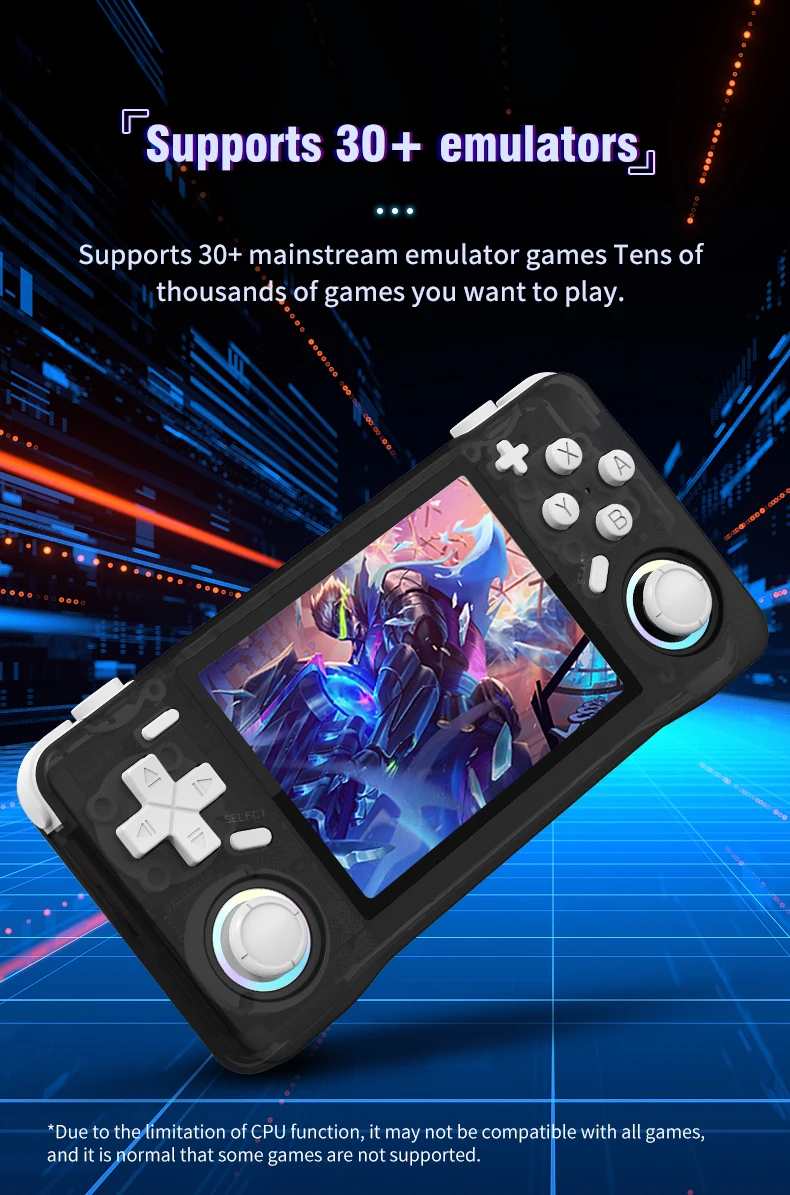
R36 MAX Retro przenośna konsola do gier, ekran IPS 4,0 cala, 64 GB, przenośny odtwarzacz wideo kieszonkowy, obsługuje ponad 30 emulatorów
59,69zł
Anbernic RG556 Retro przenośna konsola do gier z systemem Android 13, 5,48-calowym ekranem AMOLED, wbudowanym odtwarzaczem wideo T820
209,60zł
128G Retro przenośna konsola do gier z systemem Linux, 3,5-calowy ekran IPS, przenośny kieszonkowy odtwarzacz wideo, 2 joysticki, 64G Games Kid
60,15zł
BOYHOM R36XX Premium przenośna konsola do gier retro 3,5" IPS WiFi System Linux Zaktualizowana przenośna konsola R36S Urodziny
67,51zł
ARKOS R36S Upgrade R36XX Retro konsola przenośna System Linux Open-Source Wbudowane Wi-Fi Konsole do gier Ekran IPS 3,5 cala
73,60zł
Nowa konsola do gier Open-source R36s, przenośna konsola do gier, podwójna przenośna konsola do gier retro nostalgiczna 3D
64,71zł
Wirtualny brelok dla chłopców i dziewcząt, zwierzęta, retro, przenośny, wypełnione jajka, wielkanocna gra dla dzieci, elektroniczne zwierzę, prezent
27,95zł
Retro R36S przenośna konsola do gier wideo 3,5-calowy ekran IPS 128 GB gry przenośny kieszonkowy odtwarzacz system Linux Ultra R36 PRO
47,63zł
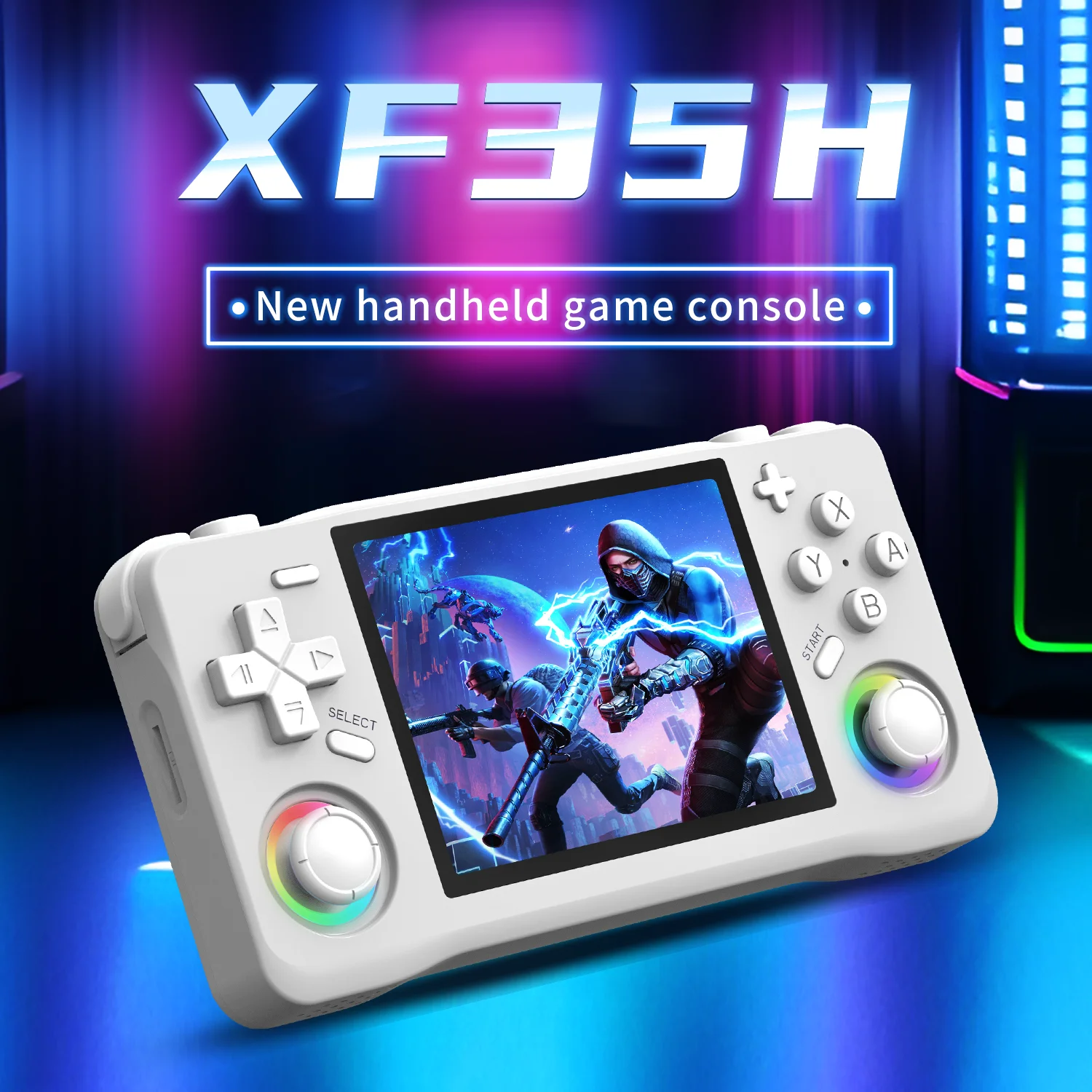
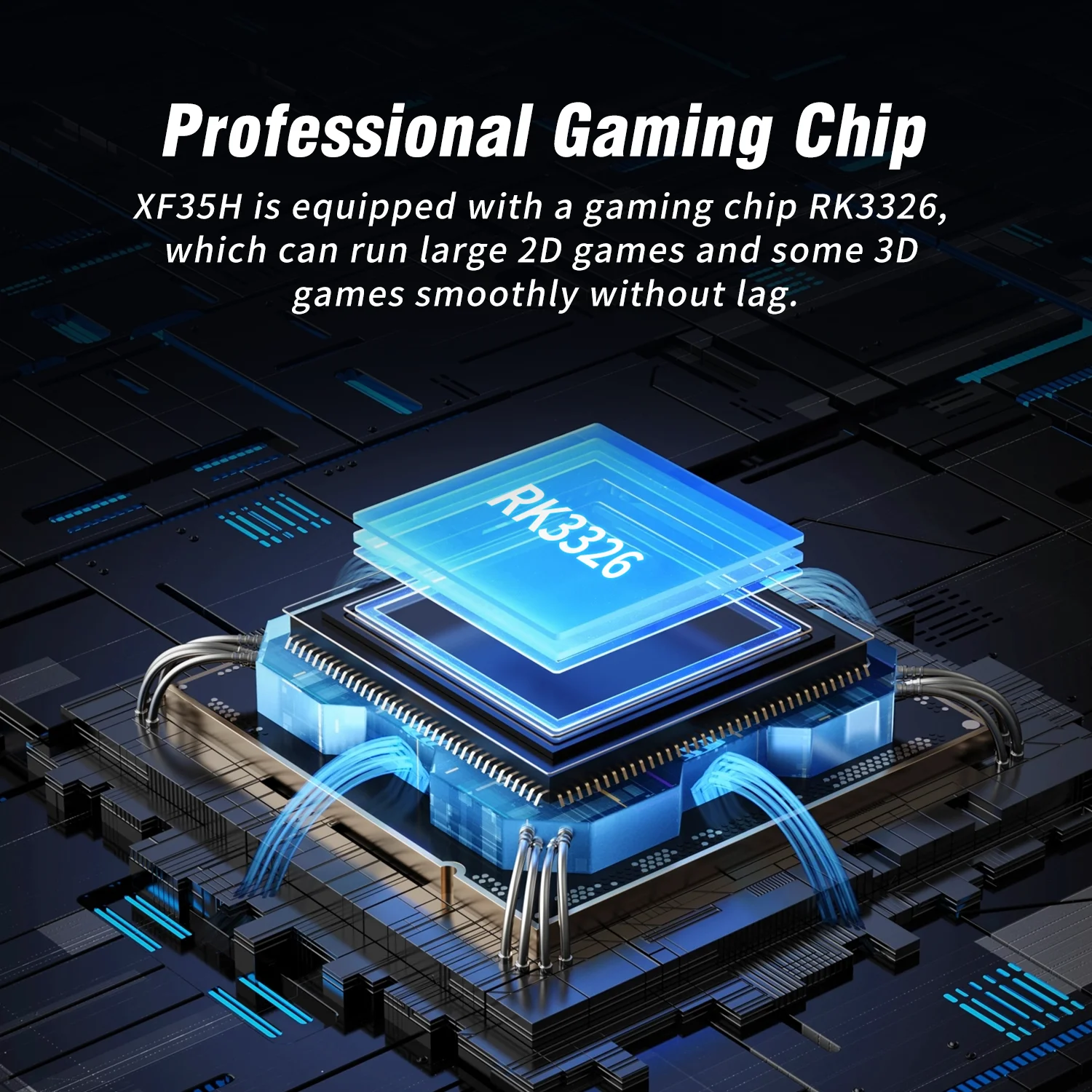
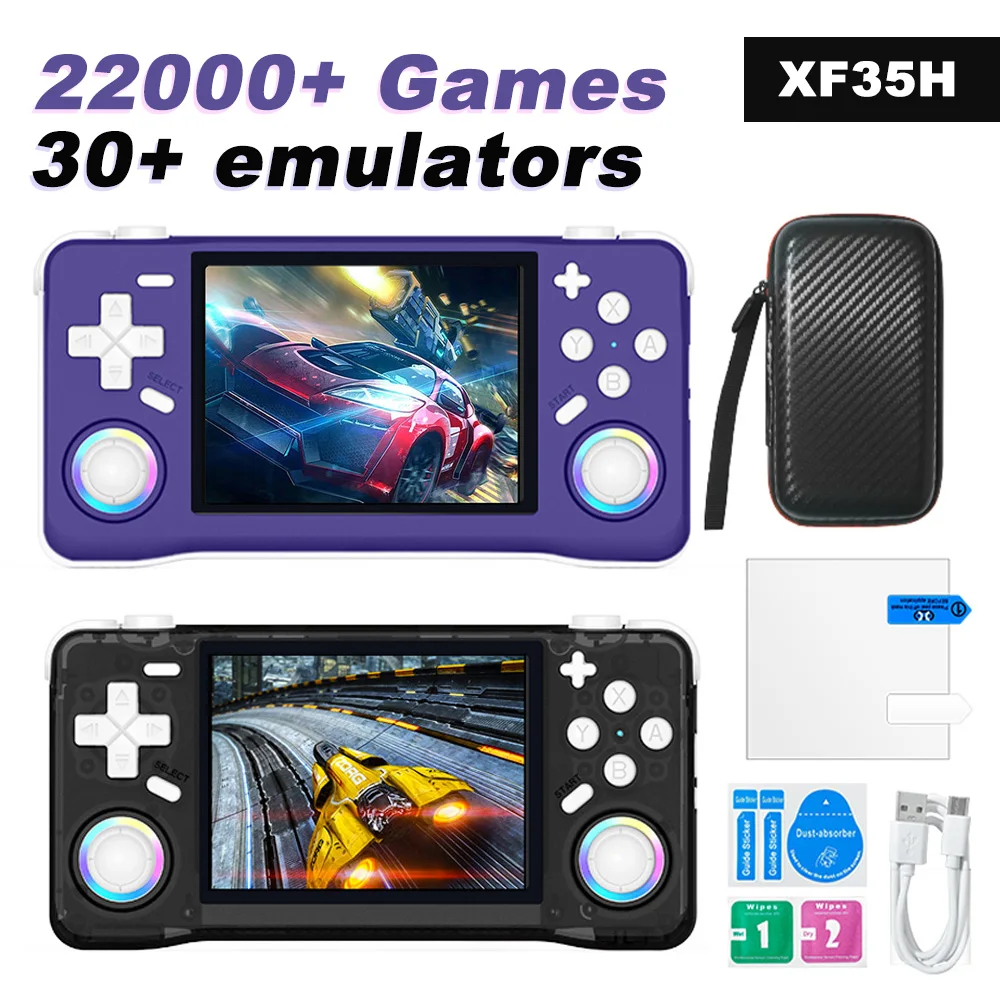
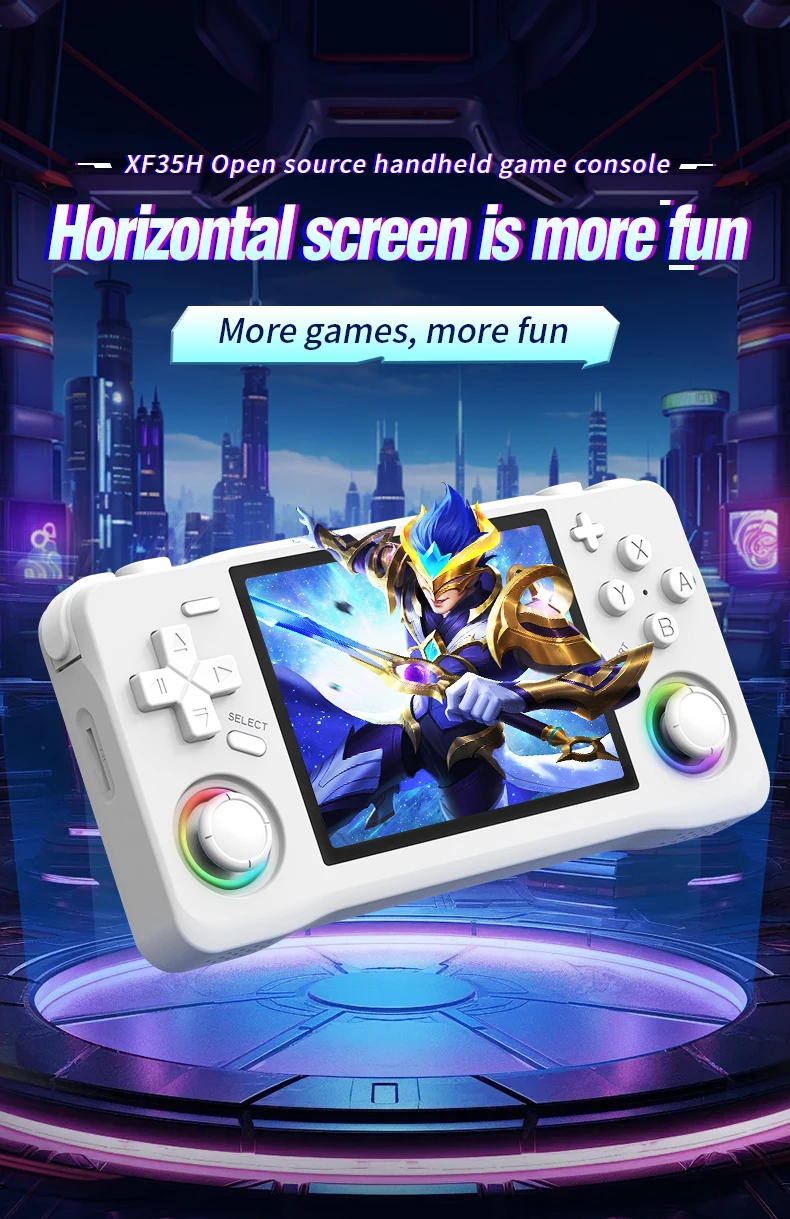
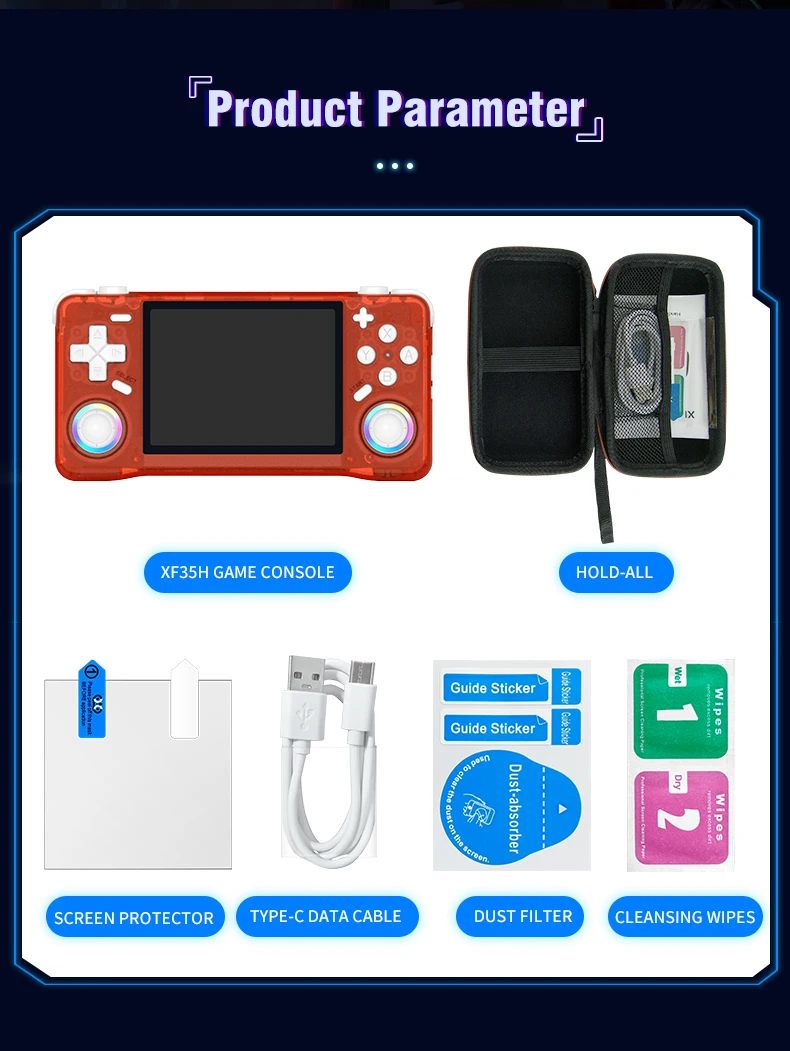
Przenośna konsola do gier wideo XF35H Retro z systemem Linux, 3,5-calowym ekranem IPS i kieszonkową obudową do gier
218,40zł
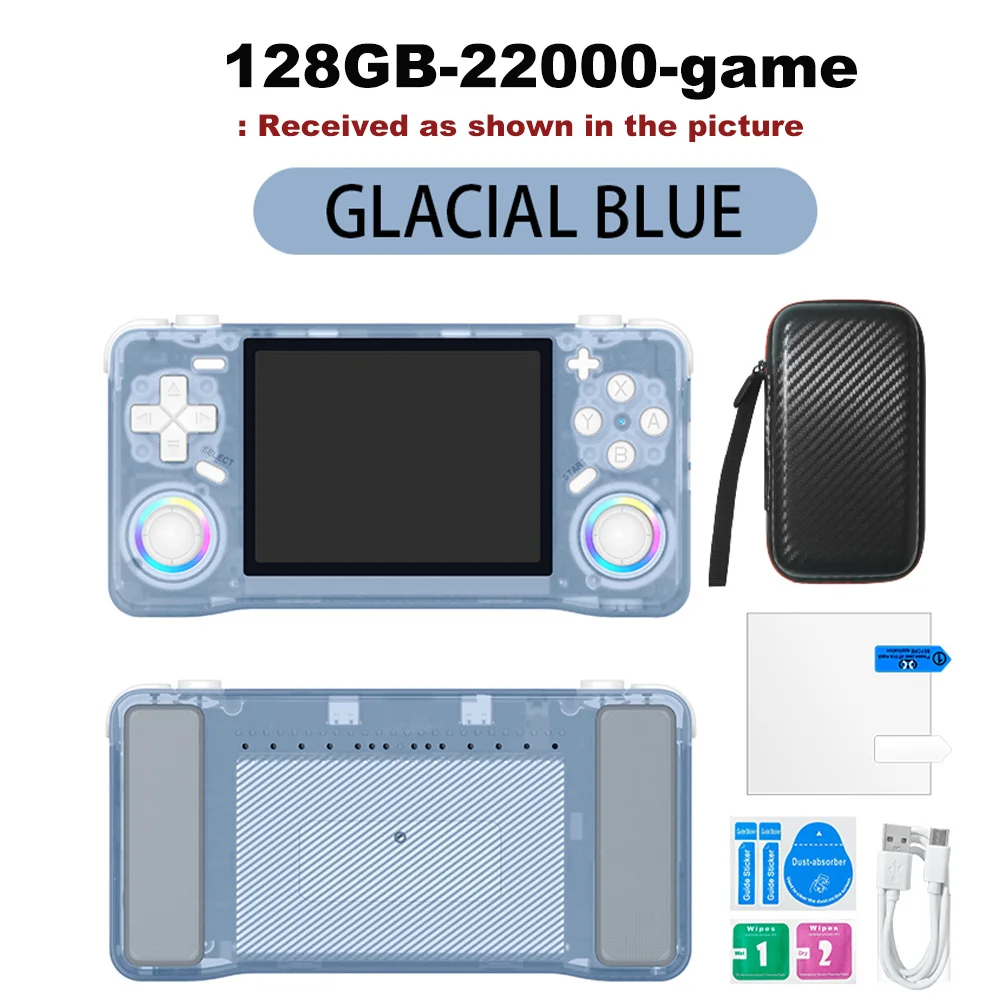
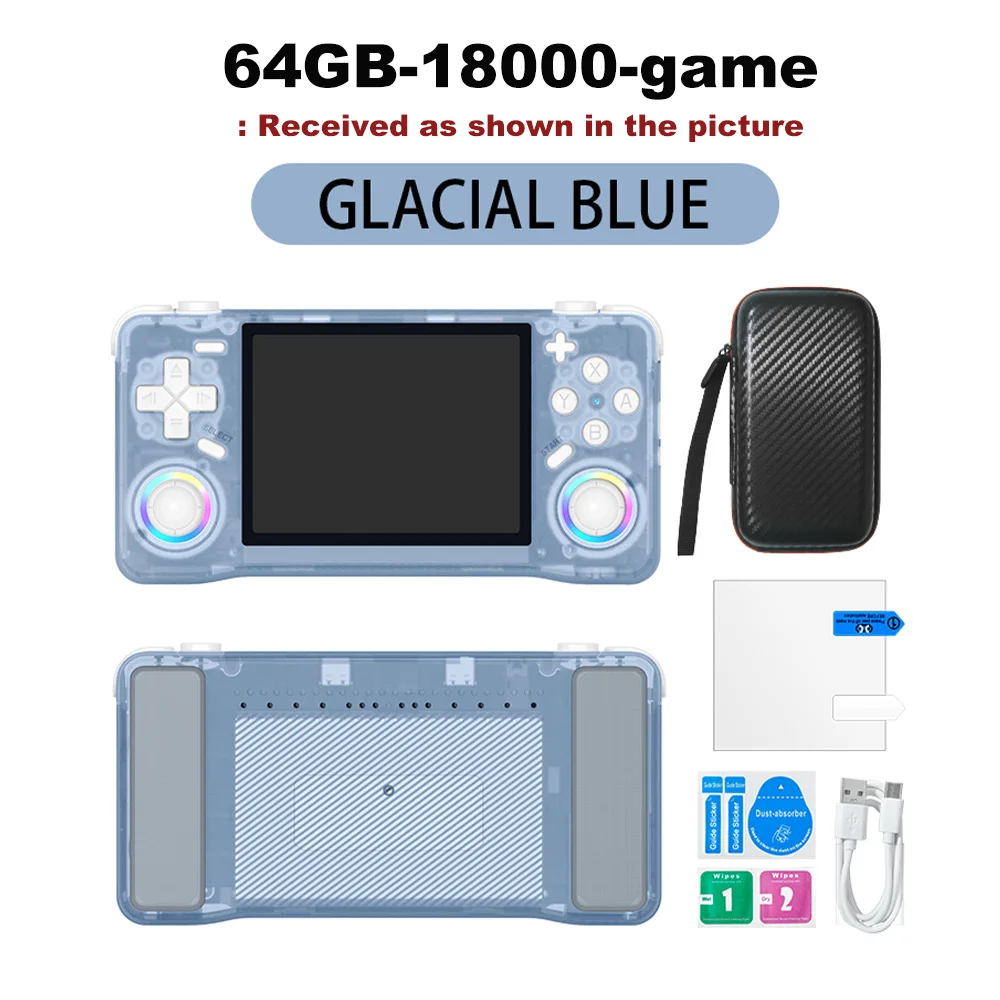
Kolor : Niebieski 64GB
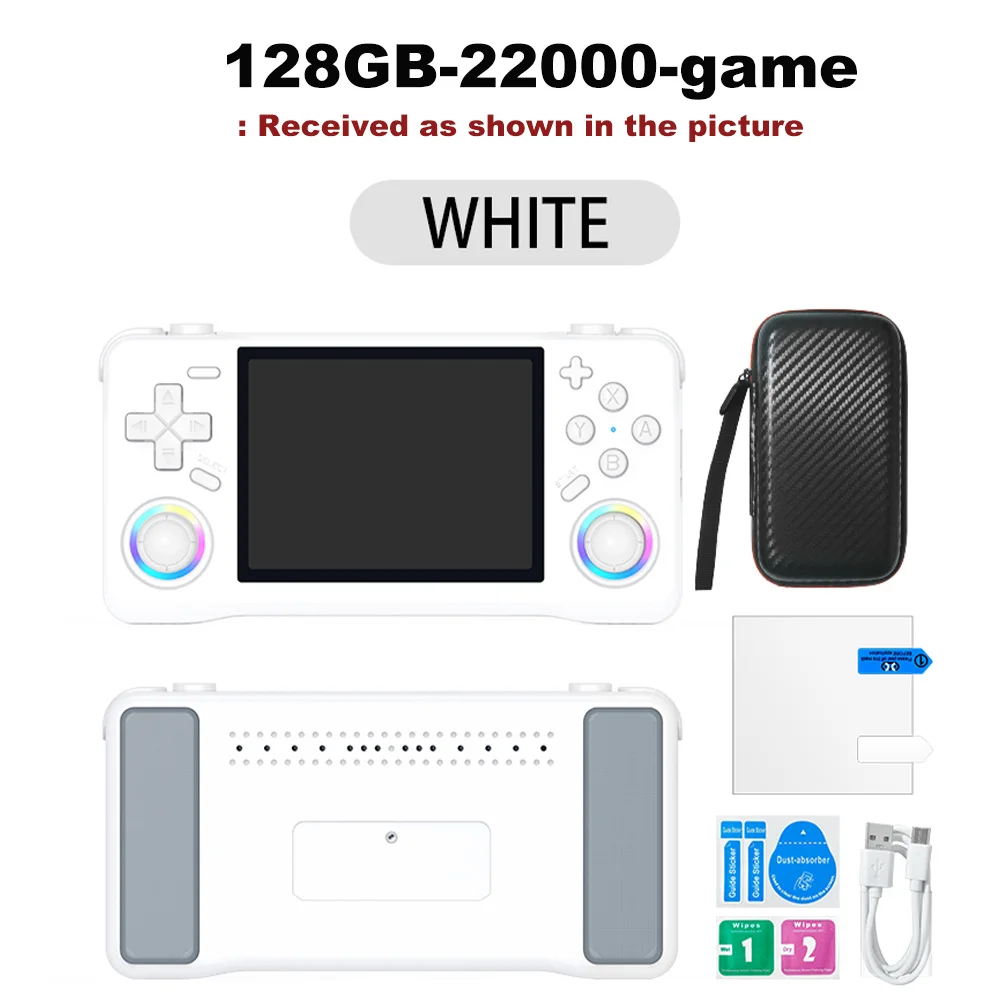
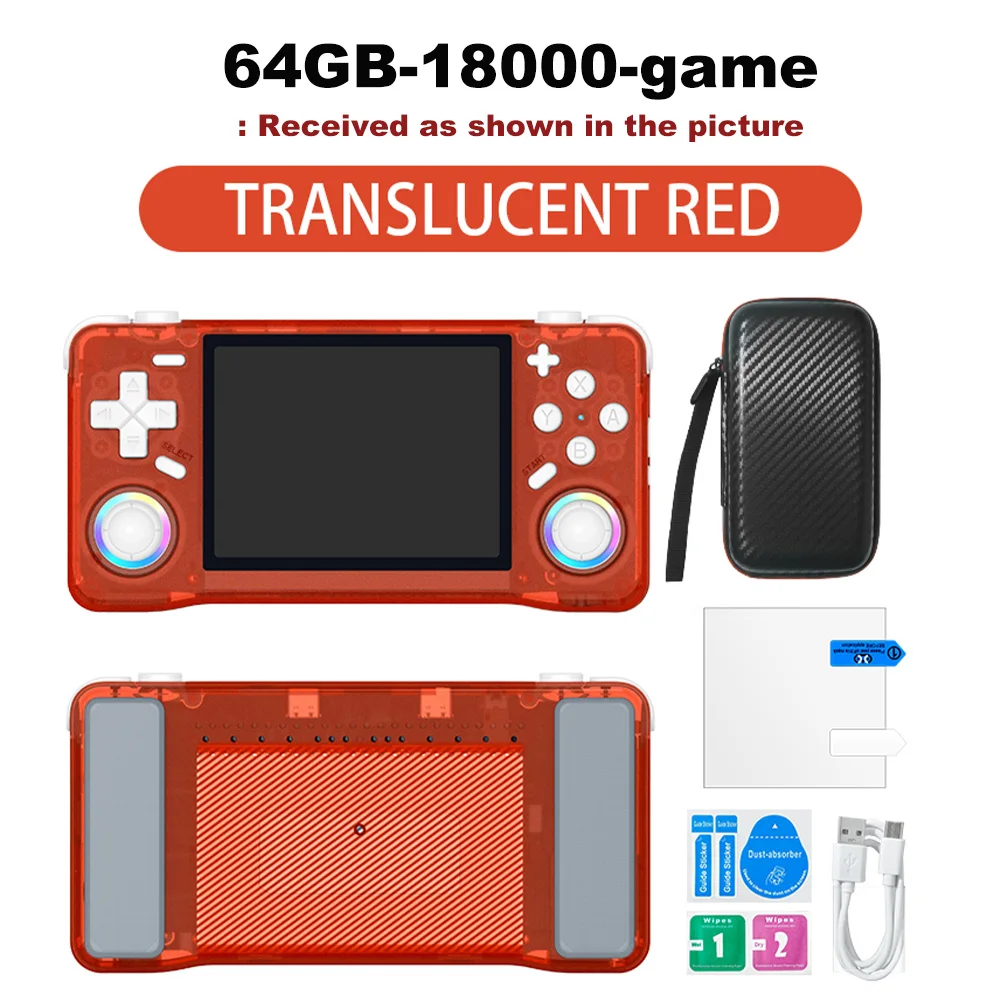
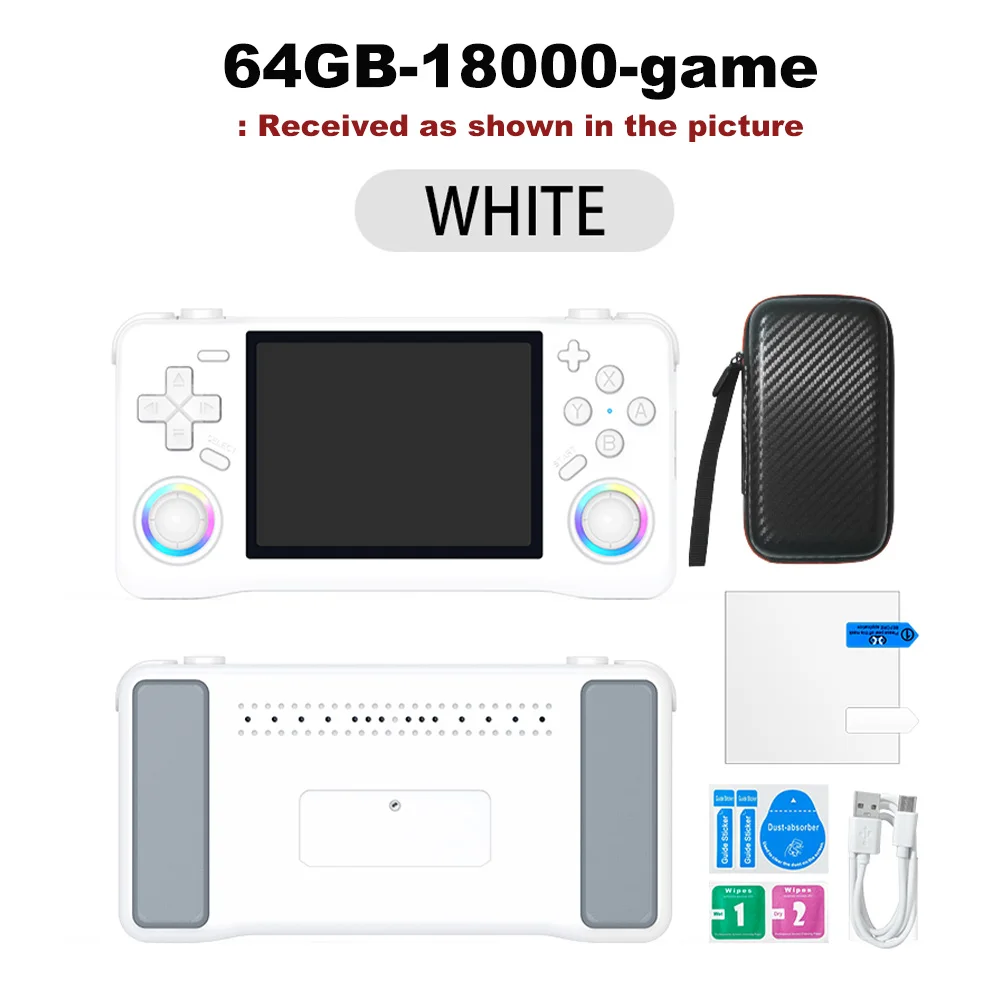
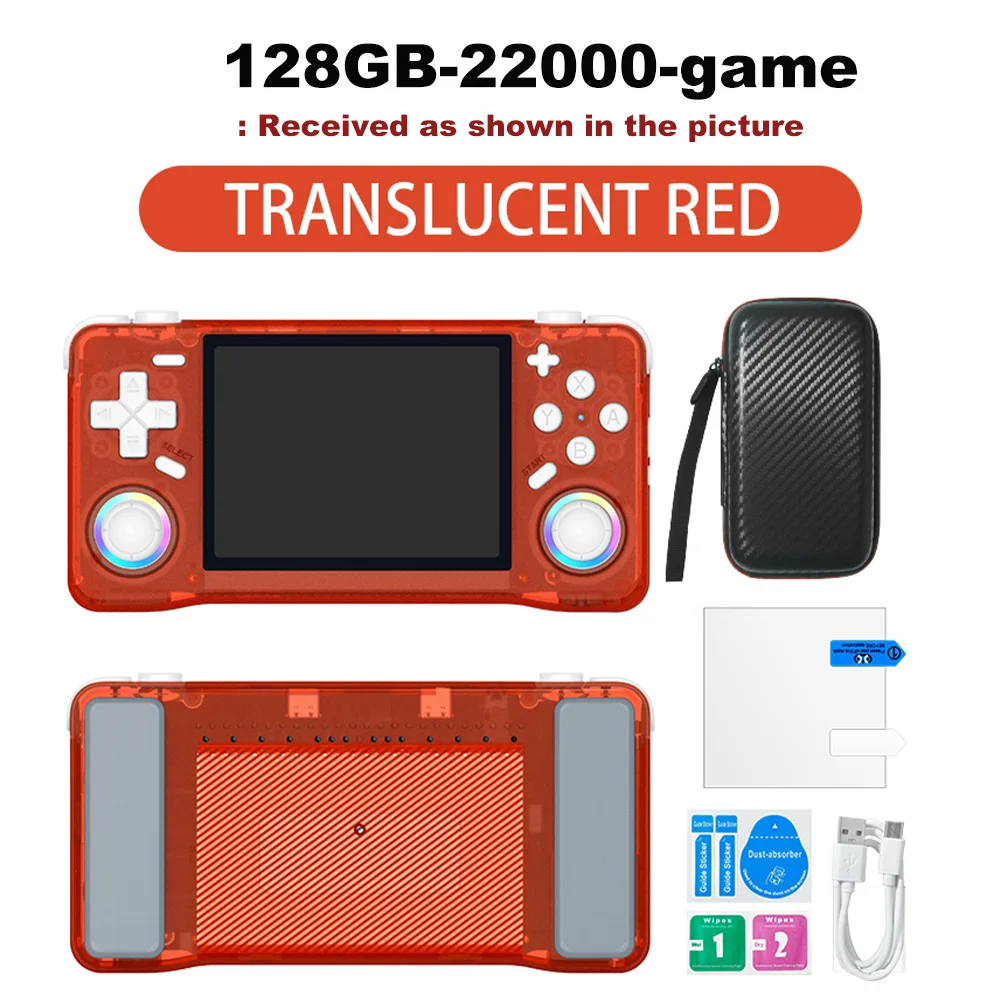
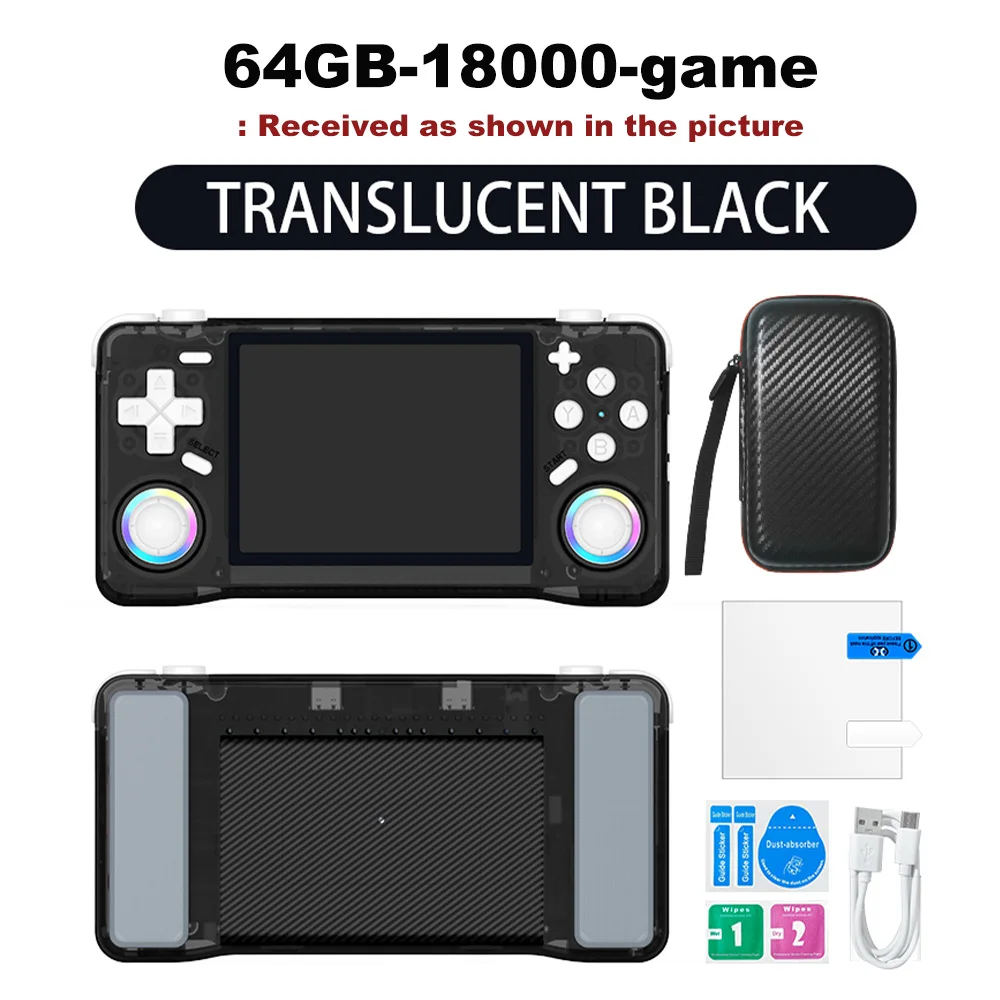
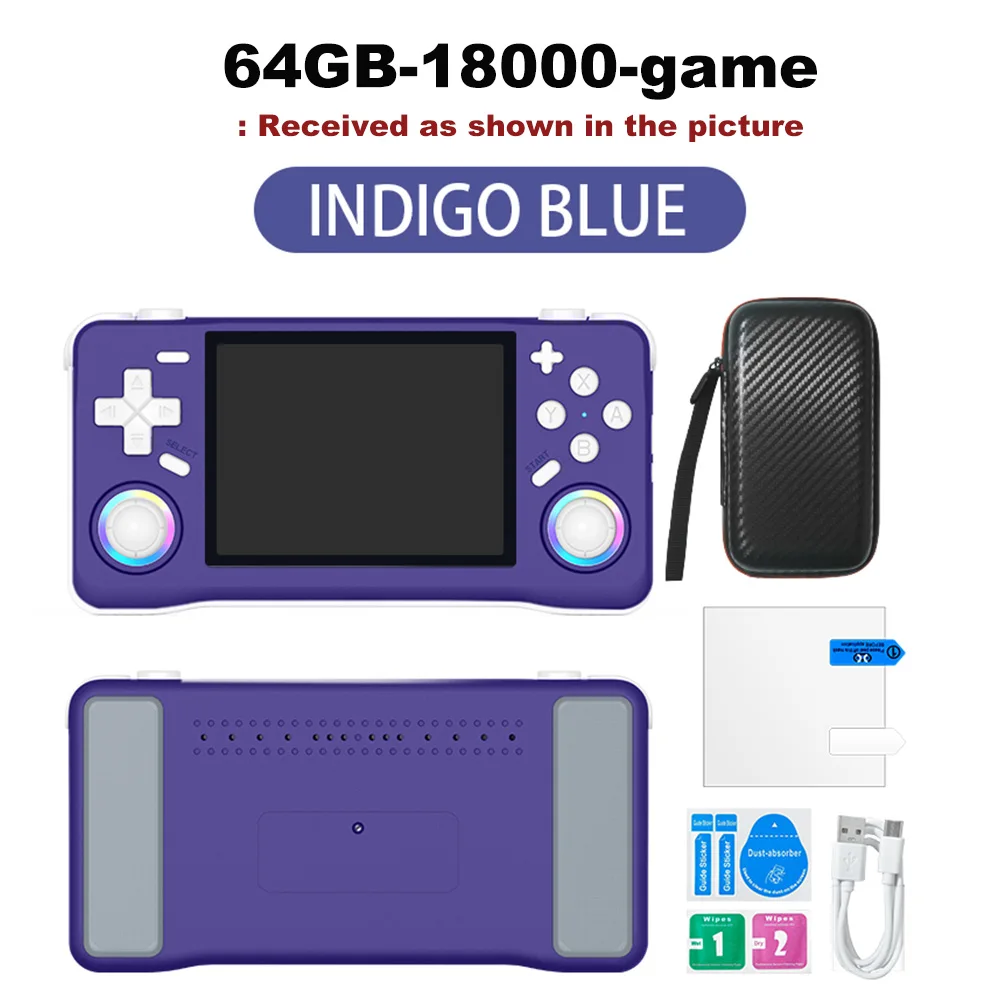
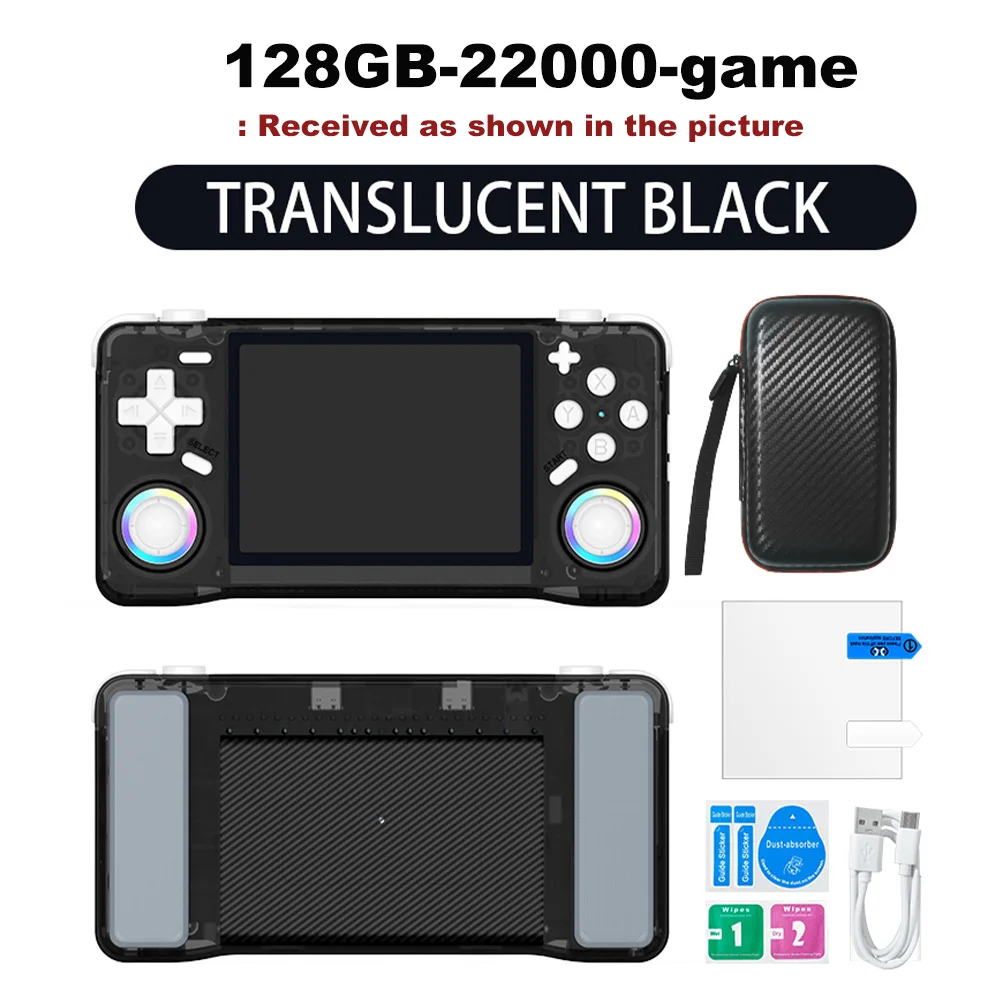
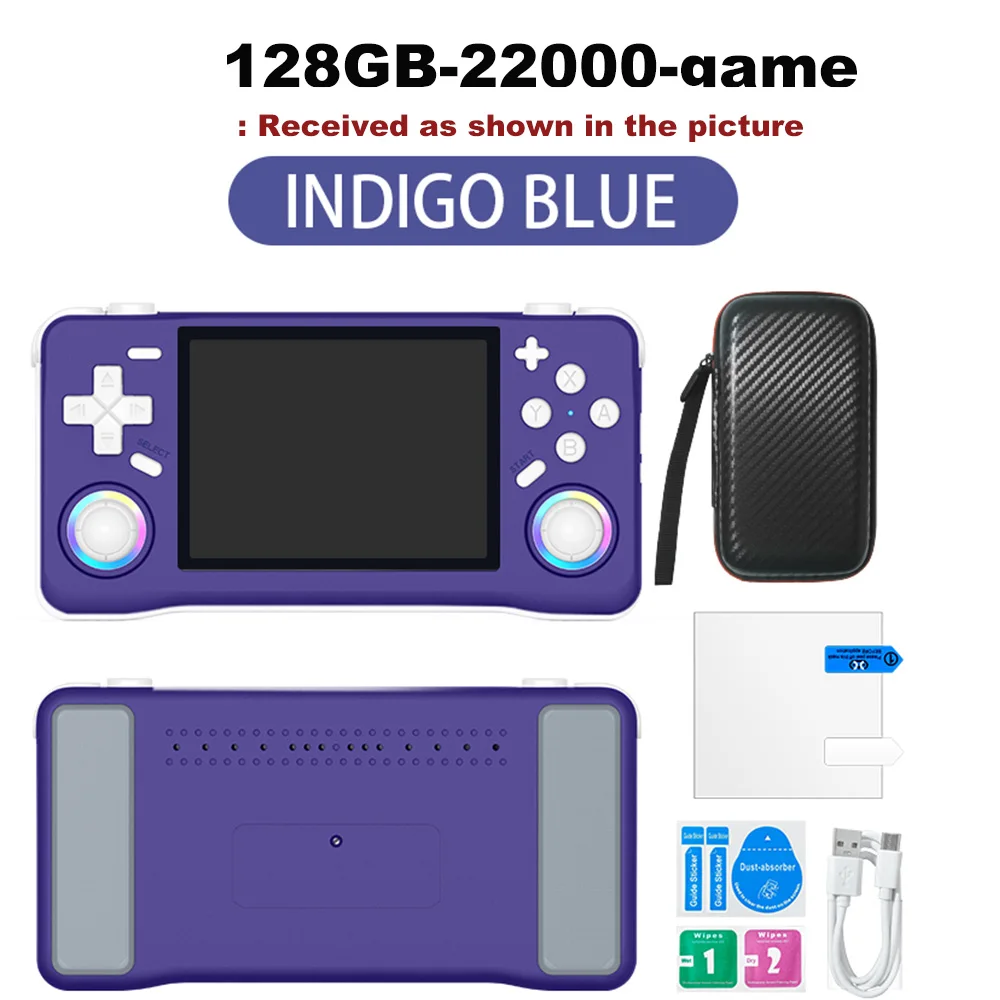
Ilość :

Raport
Uwzględnij naruszenie praw autorskichDarmowa standardowa wysyłka. Patrz szczegóły
Szacunkowo między Mon, Aug 3 a Fri, Aug 7
Możesz zwrócić produkt w ciągu 30 dni od daty otrzymania. Patrz szczegóły
Kupuj z ufnością

Gwarancja zwrotu pieniędzy
Odbierz zamówiony przedmiot albo zwróć pieniądze. Dowiedz się więcej
O tym przedmiocie
Źródło: TechNex
Sprzedawca bierze na siebie wszelką odpowiedzialność za tę ofertę.Numer przedmiotu: 39304692
Szczegóły pozycji
Kolorowy wyświetlacz
Tak nie
Połączenie
Wi-Fi, Bluetooth, USB
Rozmiar wyświetlacza
2, 7", 3, 0", 3, 25"
Ekran dotykowy
Tak nie
Opis przedmiotu od sprzedawcy
Multilingual Support
Enjoy games in Japanese, expanding your gaming horizons with this multilingual handheld console.
Ample Storage
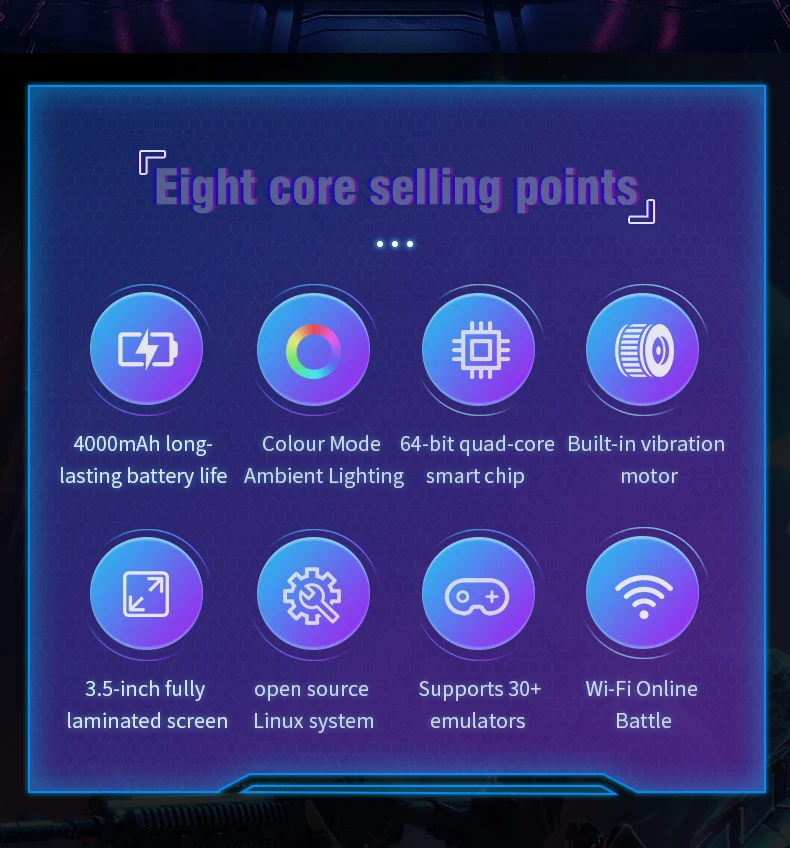
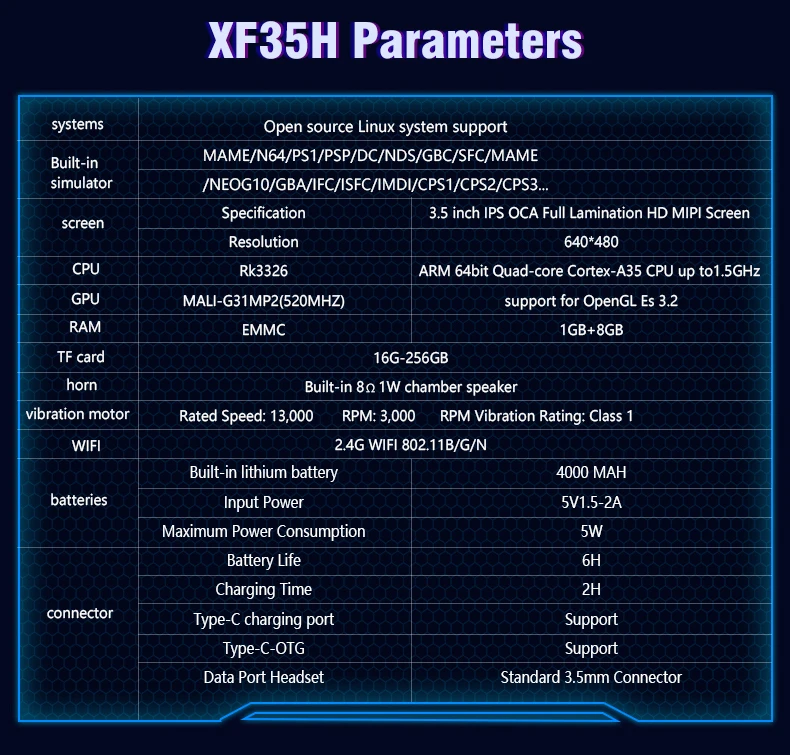
The XF35H comes with 128GB of preloaded games, ensuring you have plenty of entertainment wherever you are.
High-Resolution Display
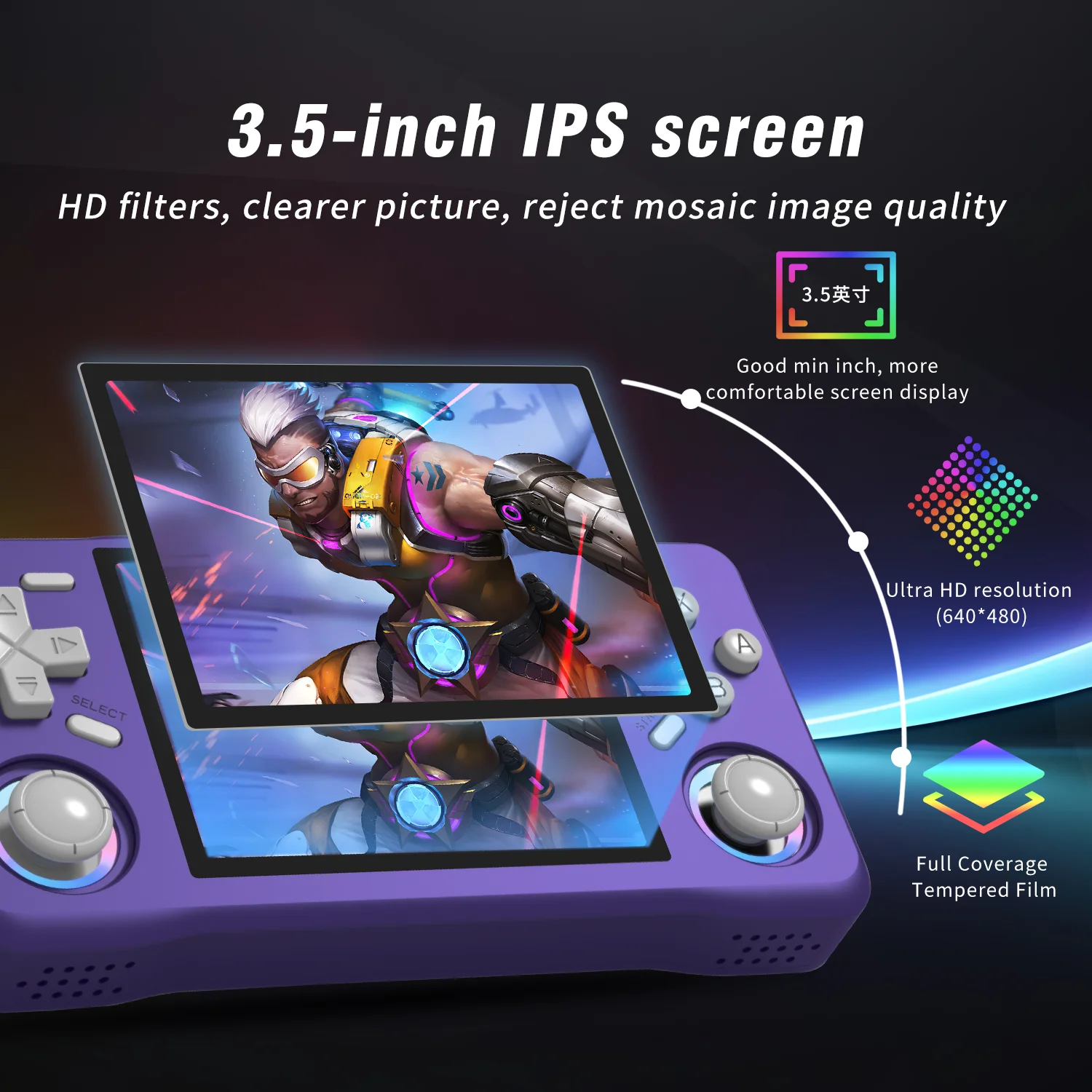
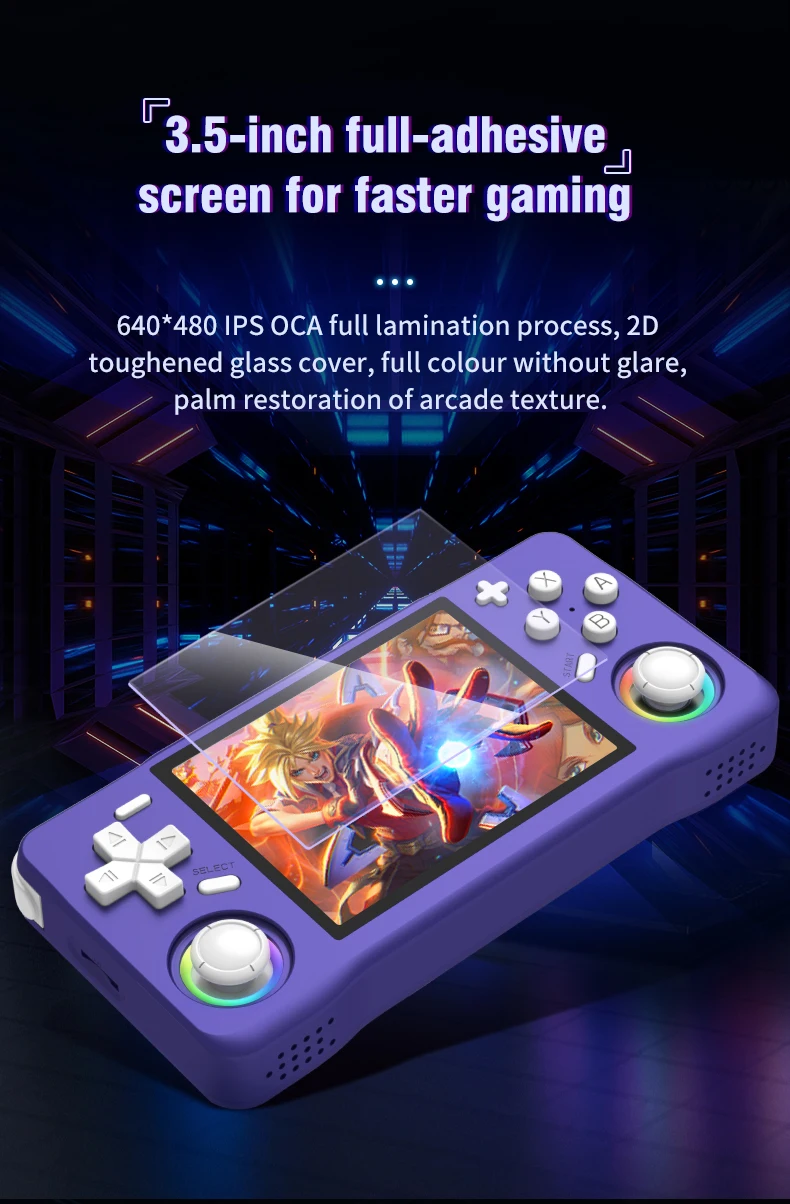
Experience clear visuals with a 3.5" IPS screen offering a resolution of 640x480, perfect for gaming on the go.
Linux System
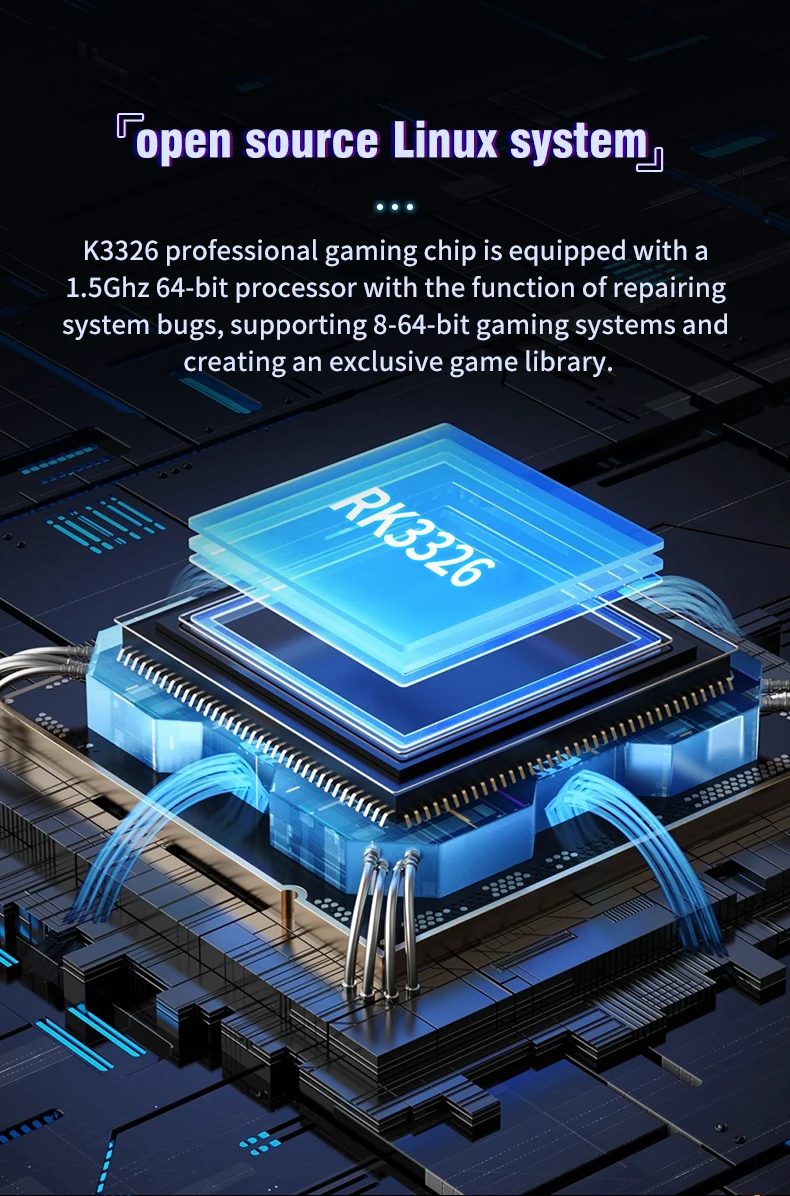
Equipped with a Linux system, this handheld offers a unique gaming experience with a wide range of compatibility.
Portable Design
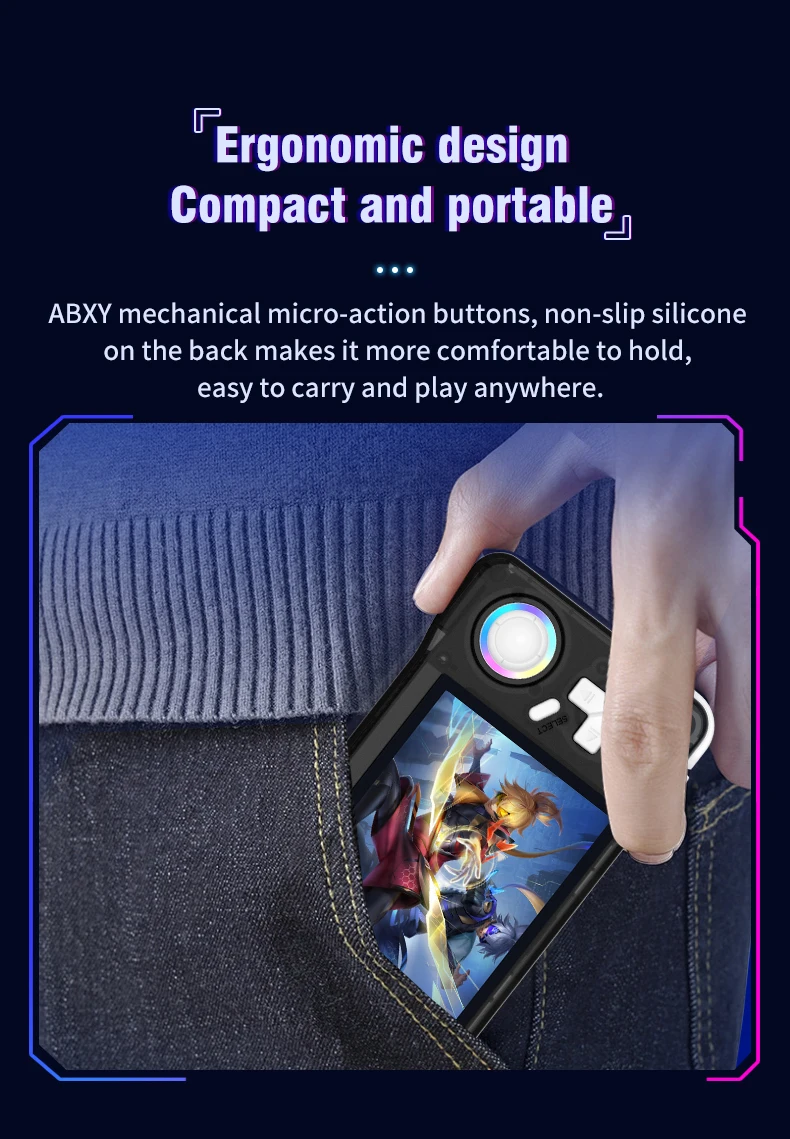
This pocket-sized player is designed for convenience, making it an ideal companion for travel or leisure.
A nanny-style tutorial:
Three power on and off instructions
Power on: Press and hold the power button for 5 seconds, wait patiently for about 25 seconds, and enter the operation interface.
Power off: Press and hold the power button for 7 seconds to display the power off menu. Press the A button by default to power off.
Note: Please exit the game before shutting down, and do not press any keys when the system starts up.
Charging instructions
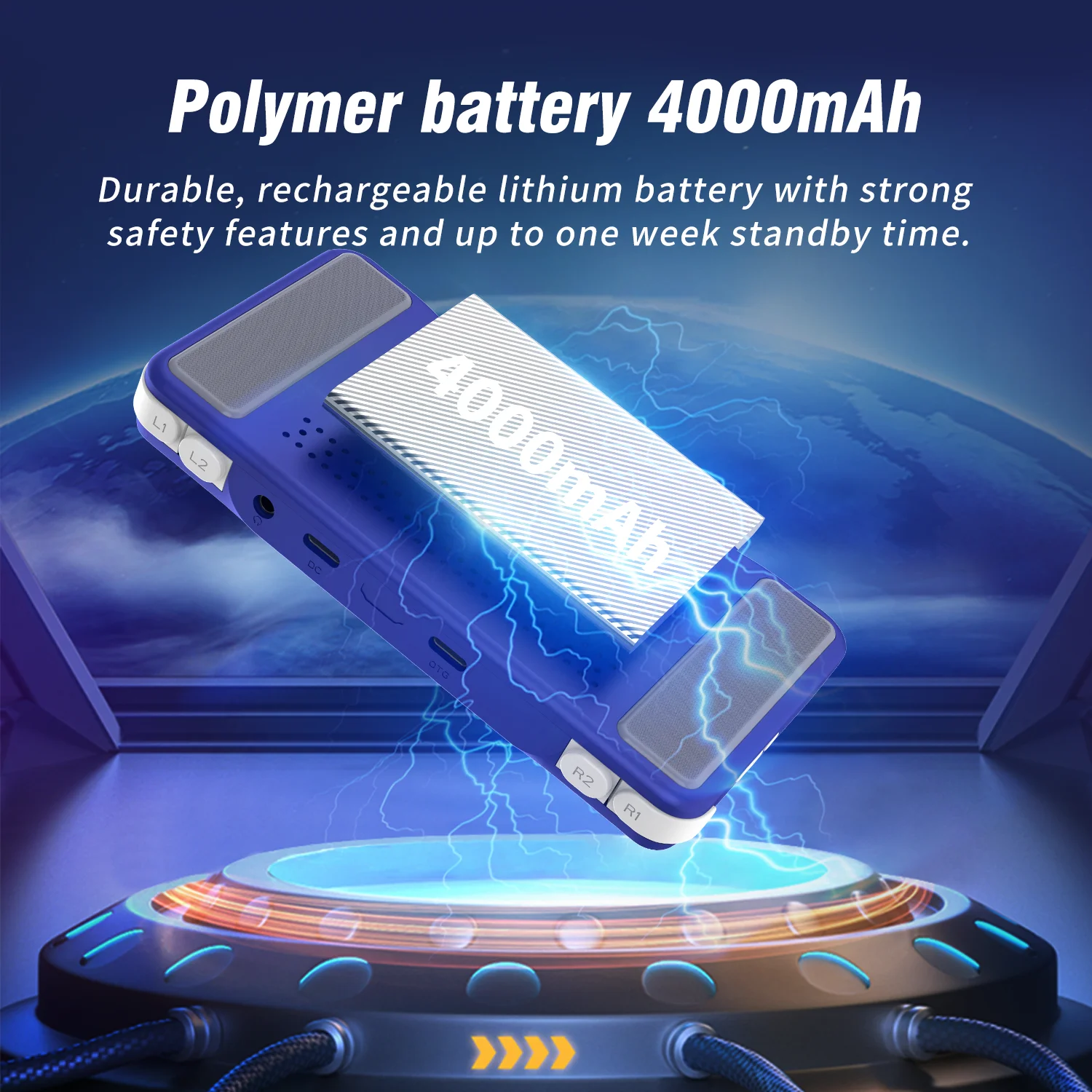
When the red light on the main unit illuminates, please charge it promptly by connecting the charging cable to the DC port. The red light will automatically turn off when fully charged.
Note: Do not press the restart button while charging; the charger parameters must not exceed 5V2A.
Function shortcut key combination:
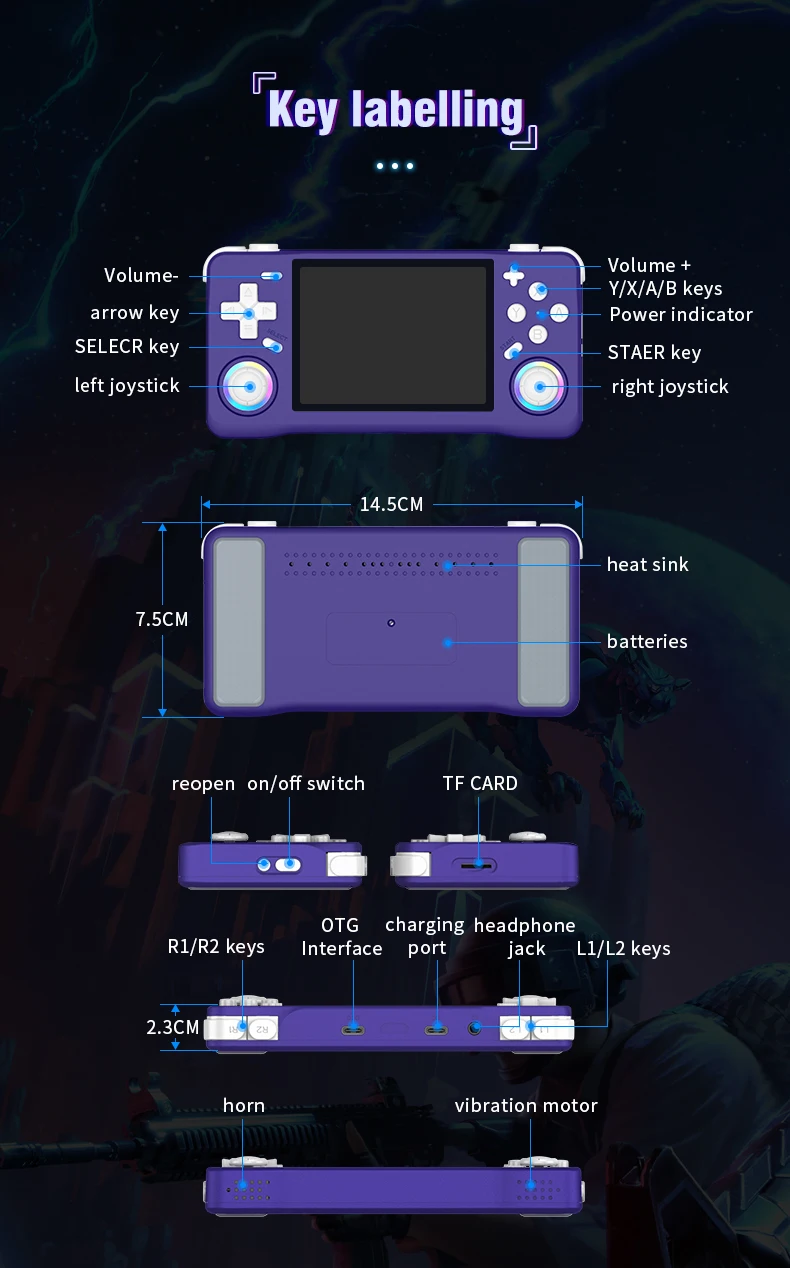
Three system bug fixes: L1+L2+R1+R2+ (SELECT*3)
Game shortcut key combinations (except PSP and NDS):
Three ways to save your game progress: SELECT + R1
Load saved game progress: SELECT +L1
Exit game: (SELECT+START) *2
Display FPS: SELECT+B
Three pause or cancel the game: SELECT+A
RA Menu: SELECT+X
To enable or disable game acceleration: SELEC+R2
Three game screenshots: SELECT+Y
PSP game button description:
PSP Menu: SELECT+B
PSP game saving steps: Press SELECT + B to enter the PSP menu, then select 1. Settings 2. System →
3.Auto loadsavestate
4. Slot 15. Back 6. Save state (save successful) → 7. Exit to menu (exit menu) → 8. Exit (exit)
-NDS Game Button Instructions:
Press R2: Switch between landscape and portrait screen display;
Press L2: Toggle full-screen mode;
Press the right joystick: Simulate pen mark click:
Press the left joystick: Enter the game's background menu.
How to unlock the three-child mode?
Press the START button three times, select UNLOCK USER INTERFACE MODE, press A, and then press AAABA in sequence to unlock.
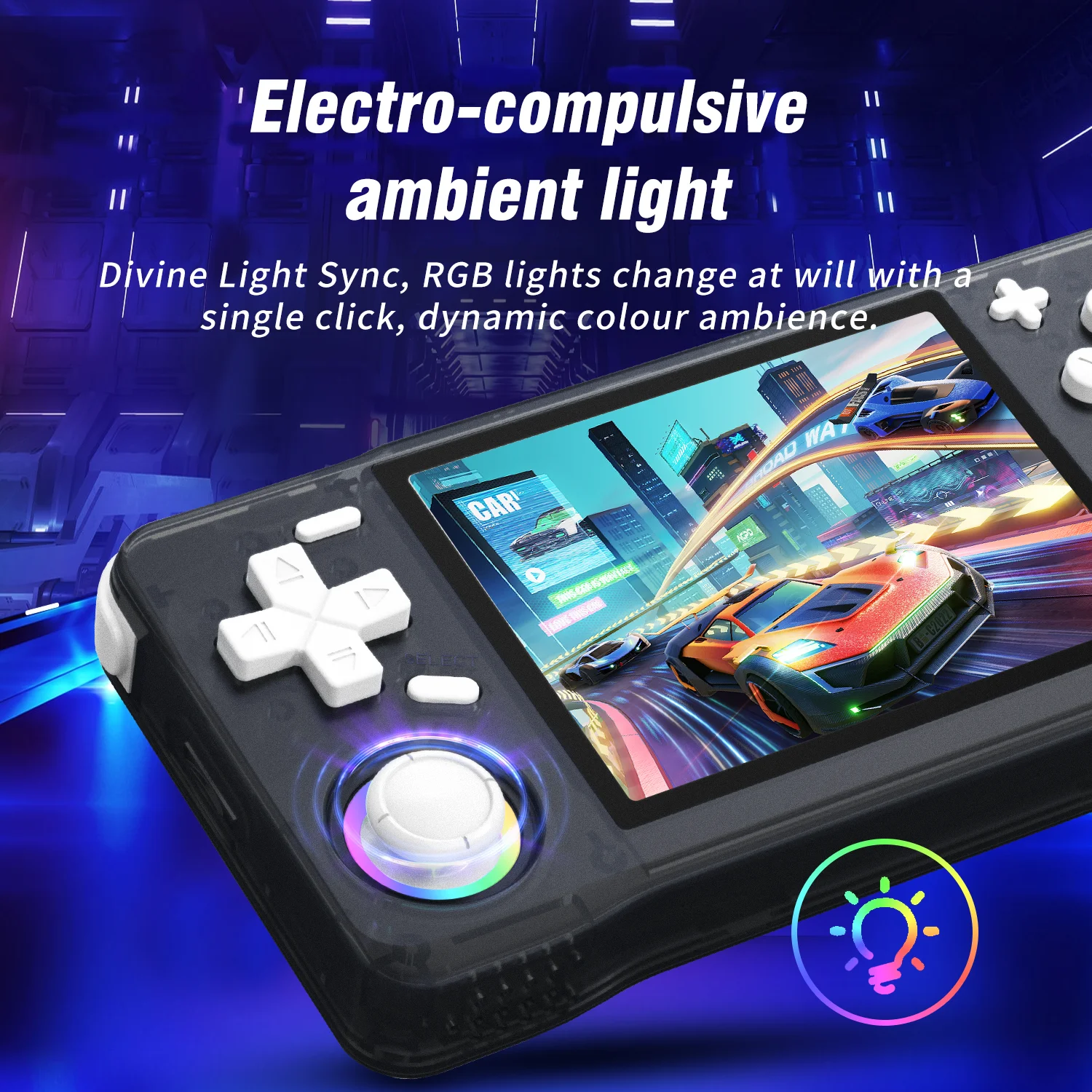
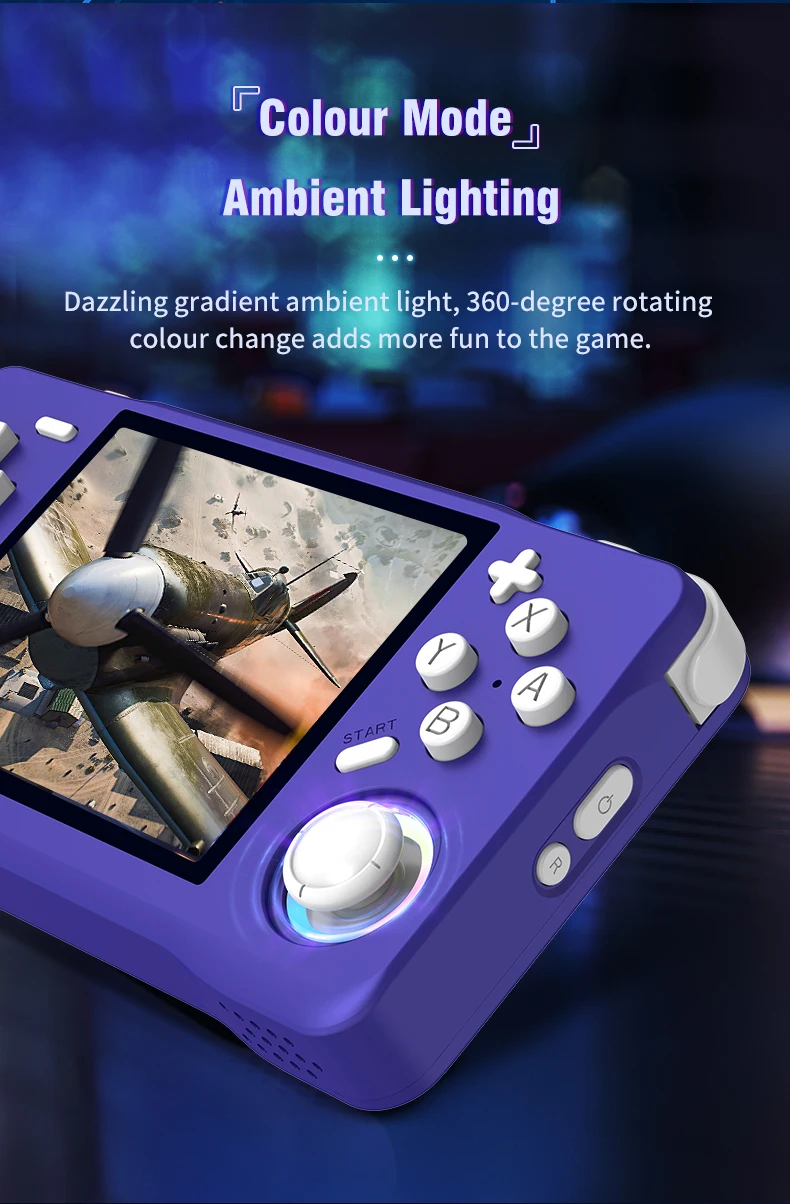
Joystick light settings:
Press the "START" button to enter the menu, and press the button at "LEDS SETTINGS" to enter the option selection.

Filmy
Filmy dla tego produktu
